First layer and mesh
Test prints / Machine baseline
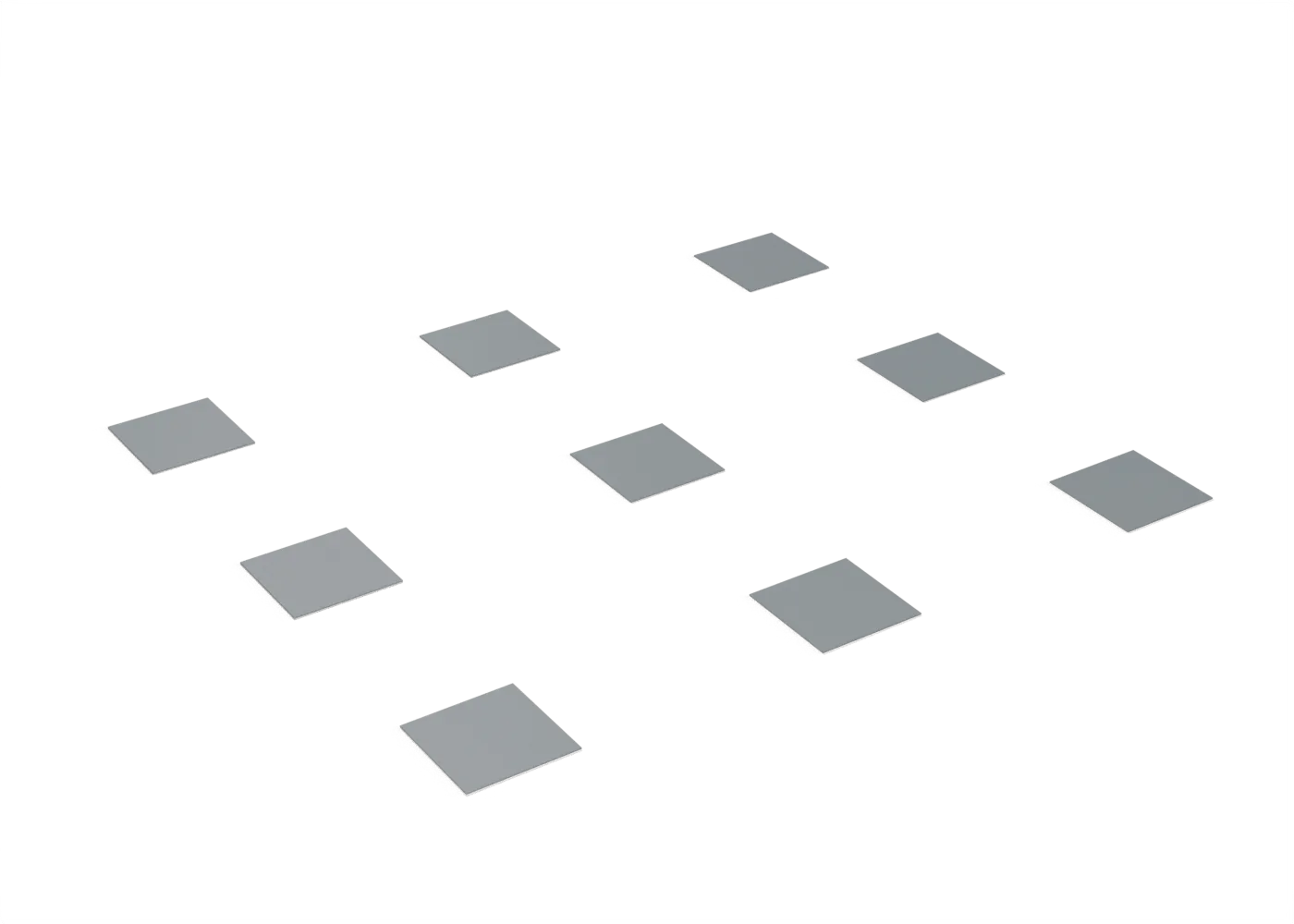
Nine two-layer squares over the whole bed: first-layer height and mesh, corner to corner.
Toolpaths
Every extrusion move in the G-code, layer by layer. Drag the layer slider, scrub through the top layer, or play the print.
Toolpaths load when you open this view.
Read from the G-code that the printer gets. The clock adds each move at its programmed speed, without acceleration or travel, so it is shorter than the slicer's estimate.
Settings
On top of the stack that the print jobs load. The printer tuning page shows that stack.
| Printer | File | Changes |
|---|---|---|
| Prusa Core One+ | first-layer (core-one-plus).bgcode | perimeters 1brim_width 0 |
| Anycubic Kobra Max | first-layer (kobra-max).gcode | perimeters 1brim_width 0 |
| Original Prusa i3 MK2 | first-layer (prusa-i3-mk2).gcode | perimeters 1brim_width 0 |
Procedure
What it is for. Do this test first on each printer. It shows that the first layer is at the correct height over the whole bed. Every other test and part depends on it.
Print. Print the file for your printer in plain PLA. Look at each square before you remove it.
Measure. Look at each square: the lines must touch, with no gaps and no ridges. Measure each square’s thickness at its centre with a micrometer or calipers.
Pass. All nine squares are 0.40 mm ± 0.05 mm. If one corner is thin or thick, do the mesh again and check the bed’s screws before any other test.
Record. The nine thicknesses, with their positions on the bed.
In the tuning log
- First layer and meshTo test
Comments
Comment on the whole page here, or on one section or step with the button beside it.