Printer tuning
The settings on this page come from the preset files in slicing/config/. The site reads them each time it is built, in the order that tools/slice_all.py loads them for a print job. A later file replaces a value from an earlier file. The Set by column shows the file that sets each value. The files that this build wrote are marked ours. A value that its file calls an estimate is marked estimate.
To change a setting, change its file in slicing/config/, then slice the print jobs again. This page then shows the new value. The print jobs show what each bed prints, and the printers page shows each printer.
Prusa Core One+
Section titled “Prusa Core One+”Prusa Core One+, LW-PLA (PLA Aero)
| Setting | Value | Set by |
|---|---|---|
| Nozzle | 0.4 mm | printer-coreone-hf04.ini |
| Layer height | 0.2 mm | print-020-balanced-hf04.ini |
| Nozzle temperature | 220 °C | lw-pla-aero.iniours |
| First layer nozzle | 220 °C | lw-pla-aero.iniours |
| Bed temperature | 55 °C | lw-pla-aero.iniours |
| Flow (extrusion multiplier) | 0.6 | lw-pla-aero.iniours |
| Pressure advance | off | lw-pla-aero.iniours |
| Max volumetric speed | 21 mm³/s | filament-generic-pla-hf04.ini |
| Retraction length | 0.7 mm | printer-coreone-hf04.ini |
| Retraction speed | 45 mm/s | printer-coreone-hf04.ini |
| Perimeters | 1 | lw-pla-aero.iniours |
| Infill | 4% | lw-pla-aero.iniours |
| Infill pattern | cubic | lw-pla-aero.iniours |
| Perimeter speed | 35 mm/s | lw-pla-aero.iniours |
| Infill speed | 35 mm/s | lw-pla-aero.iniours |
| Fan (max) | 30 % | lw-pla-aero.iniours |
| Brim gap | 0.07 mm | lw-pla-aero.iniours |
Load order: printer-coreone-hf04.ini → print-020-balanced-hf04.ini → filament-generic-pla-hf04.ini → lw-pla-aero.ini
Prusa Core One+, PETG
| Setting | Value | Set by |
|---|---|---|
| Nozzle | 0.4 mm | printer-coreone-hf04.ini |
| Layer height | 0.2 mm | print-020-balanced-hf04.ini |
| Nozzle temperature | 240 °C | petg.iniours |
| First layer nozzle | 240 °C | petg.iniours |
| Bed temperature | 85 °C | filament-generic-petg-hf04.ini |
| Flow (extrusion multiplier) | 1 | filament-generic-petg-hf04.ini |
| Pressure advance | 0.047 (M572 at the 0.4 nozzle) | filament-generic-petg-hf04.ini |
| Max volumetric speed | 21 mm³/s | filament-generic-petg-hf04.ini |
| Retraction length | 0.7 mm | printer-coreone-hf04.ini |
| Retraction speed | 45 mm/s | printer-coreone-hf04.ini |
| Perimeters | 3 | petg.iniours |
| Infill | 10% | petg.iniours |
| Infill pattern | gyroid | petg.iniours |
| Perimeter speed | 150 mm/s | print-020-balanced-hf04.ini |
| Infill speed | 150 mm/s | print-020-balanced-hf04.ini |
| Fan (max) | 60 % | filament-generic-petg-hf04.ini |
| Brim gap | 0.1 mm | print-020-balanced-hf04.ini |
Load order: printer-coreone-hf04.ini → print-020-balanced-hf04.ini → filament-generic-petg-hf04.ini → petg.ini
Prusa Core One+, TPU 95A
| Setting | Value | Set by |
|---|---|---|
| Nozzle | 0.4 mm | printer-coreone-hf04.ini |
| Layer height | 0.2 mm | print-020-balanced-hf04.ini |
| Nozzle temperature | 225 °C | filament-prusament-tpu95a.ini |
| First layer nozzle | 225 °C | filament-prusament-tpu95a.ini |
| Bed temperature | 65 °C | filament-prusament-tpu95a.ini |
| Flow (extrusion multiplier) | 1.09 | filament-prusament-tpu95a.ini |
| Pressure advance | off | filament-prusament-tpu95a.ini |
| Max volumetric speed | 2.5 mm³/s | filament-prusament-tpu95a.ini |
| Retraction length | 0.7 mm | printer-coreone-hf04.ini |
| Retraction speed | 45 mm/s | printer-coreone-hf04.ini |
| Perimeters | 3 | tpu.iniours |
| Infill | 20% | tpu.iniours |
| Infill pattern | gyroid | tpu.iniours |
| Perimeter speed | 150 mm/s | print-020-balanced-hf04.ini |
| Infill speed | 150 mm/s | print-020-balanced-hf04.ini |
| Fan (max) | 65 % | filament-prusament-tpu95a.ini |
| Brim gap | 0.1 mm | print-020-balanced-hf04.ini |
Load order: printer-coreone-hf04.ini → print-020-balanced-hf04.ini → filament-prusament-tpu95a.ini → tpu.ini
Anycubic Kobra Max
Section titled “Anycubic Kobra Max”The Kobra Max prints the single-part elevons, which are too long for the Core One+.
Anycubic Kobra Max, LW-PLA (PLA Aero)
| Setting | Value | Set by |
|---|---|---|
| Nozzle | 0.4 mm | printer-kobra-max.iniours |
| Layer height | 0.2 mm | print-020-balanced-hf04.ini |
| Nozzle temperature | 220 °C | lw-pla-aero.iniours |
| First layer nozzle | 220 °C | lw-pla-aero.iniours |
| Bed temperature | 55 °C | lw-pla-aero.iniours |
| Flow (extrusion multiplier) | 0.6 | lw-pla-aero.iniours |
| Pressure advance | off | kobra-max-lw.iniours |
| Max volumetric speed | 21 mm³/s | filament-generic-pla-hf04.ini |
| Retraction length | 6 mmestimate | printer-kobra-max.iniours |
| Retraction speed | 25 mm/sestimate | printer-kobra-max.iniours |
| Perimeters | 1 | lw-pla-aero.iniours |
| Infill | 4% | lw-pla-aero.iniours |
| Infill pattern | cubic | lw-pla-aero.iniours |
| Perimeter speed | 35 mm/s | lw-pla-aero.iniours |
| Infill speed | 35 mm/s | lw-pla-aero.iniours |
| Fan (max) | 30 % | lw-pla-aero.iniours |
| Brim gap | 0.07 mm | lw-pla-aero.iniours |
Load order: printer-kobra-max.ini → print-020-balanced-hf04.ini → filament-generic-pla-hf04.ini → kobra-max-print.ini → lw-pla-aero.ini → kobra-max-lw.ini
Test prints
Section titled “Test prints”Each test print checks one setting or one fit. It loads the same slicer files as the print jobs and changes only what the test needs. Each test has its own page with its files, its bands and its procedure. See all test prints.
Machine baseline
Before any material test: first layer and mesh, extruder, squareness and Z.
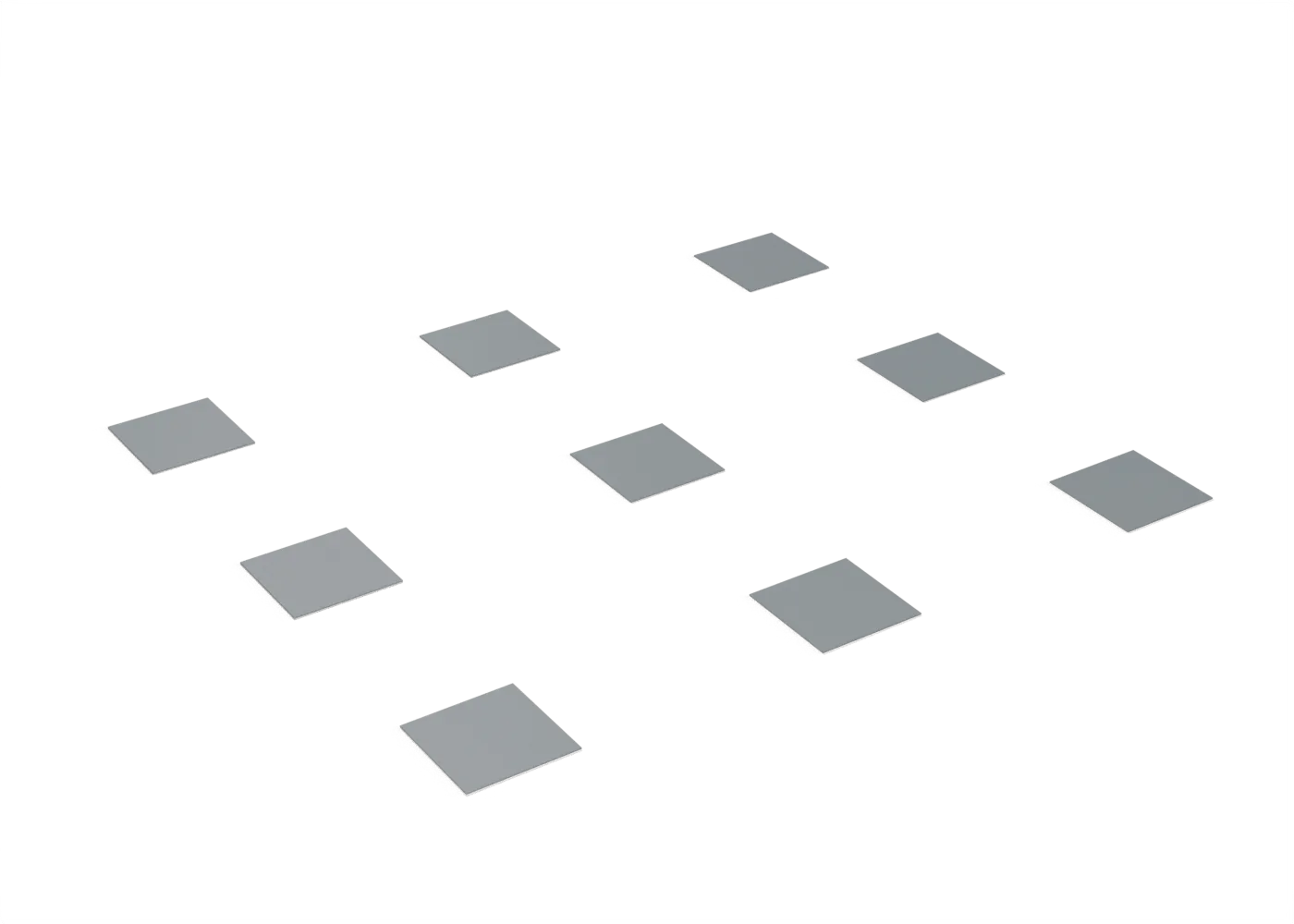
- First layer and meshNine two-layer squares over the whole bed: first-layer height and mesh, corner to corner.
- no printExtruder calibrationHeat, then push exactly 100 mm of filament slowly: the rest of the marked 120 mm tells the true steps.
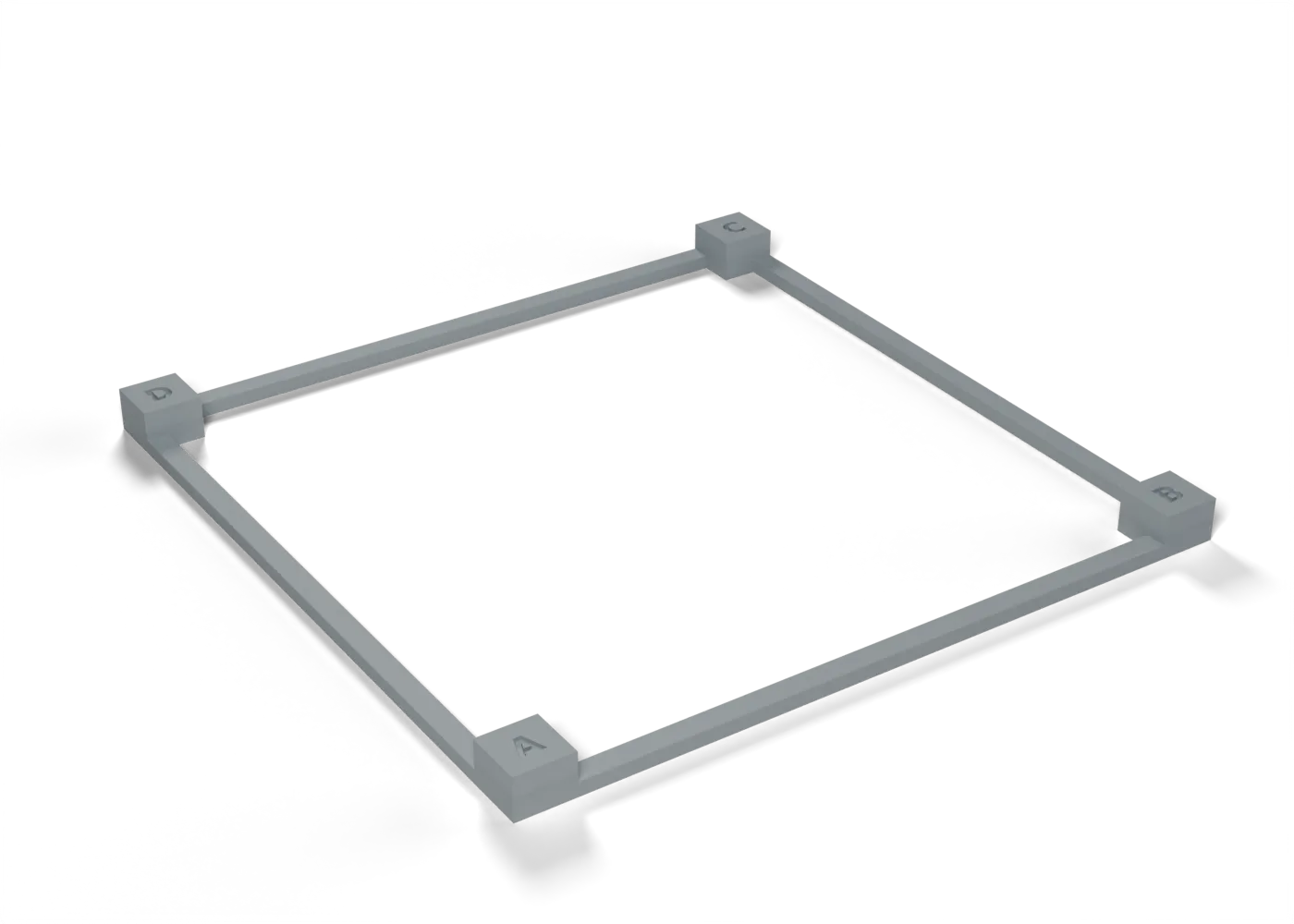
- XY squarenessA 100 mm frame on four posts: the two diagonals give the skew, the sides give the XY scale.
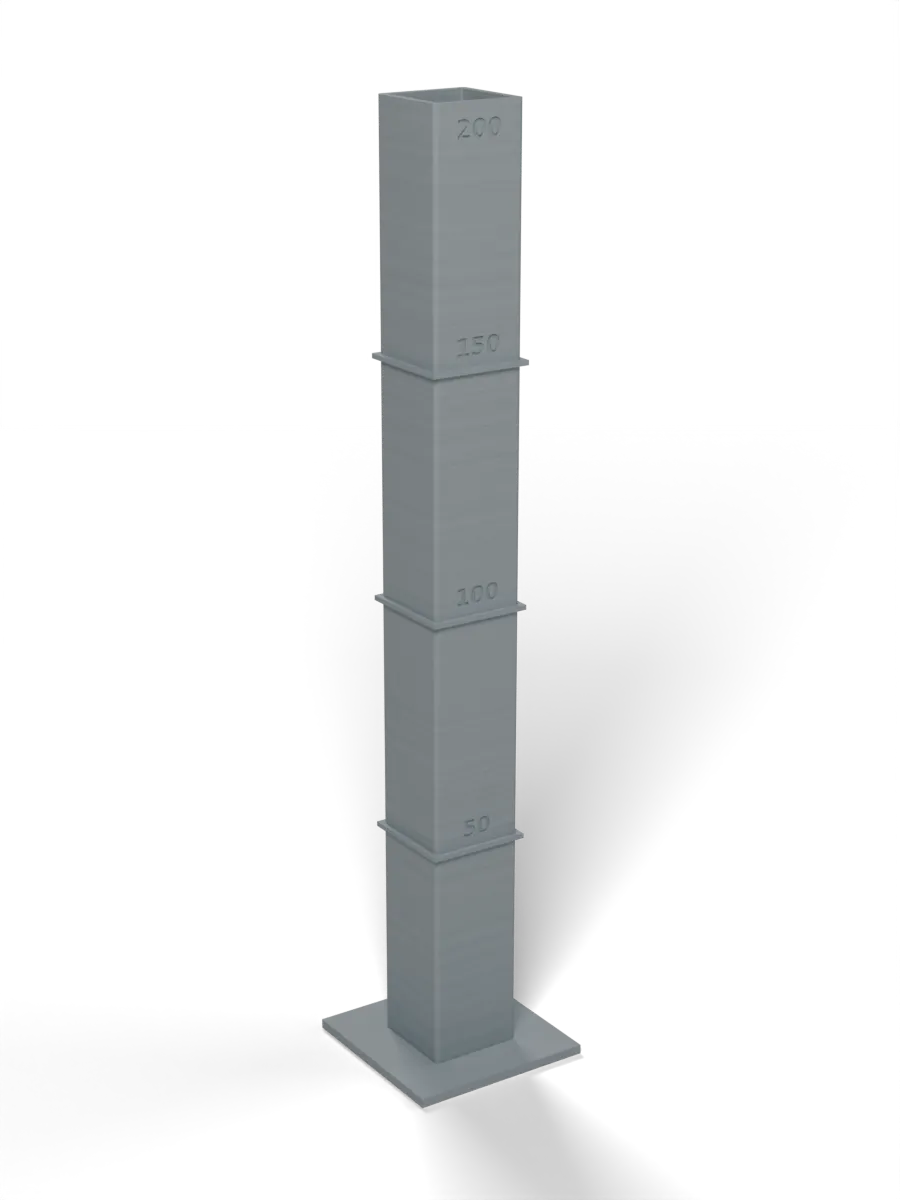
- Z accuracy at 200 mmA 200 mm tube with ledges every 50 mm: the heights show the Z steps, the walls show wobble.
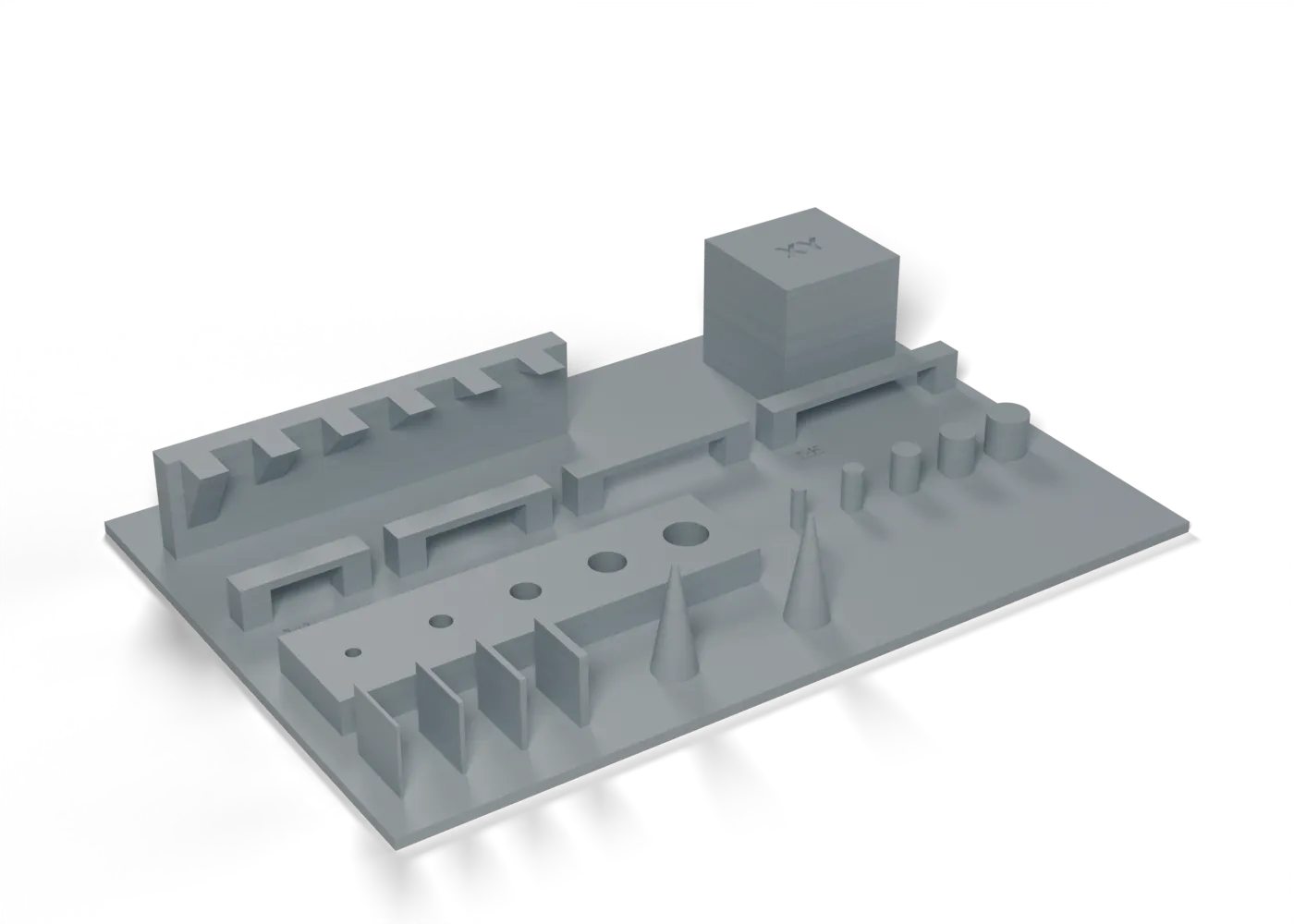
- Multi-testThe usual all-in-one plate: overhangs, bridges, holes, pins, thin walls, stringing and XY scale.
LW-PLA: the foam is the calibration
Foaming depends on temperature and time in the melt zone, so run these on each printer.
- LW-PLA expansion mapA single-wall coupon at 35 mm/s, 250 down to 200 °C in 10 mm bands: measure and weigh each band.
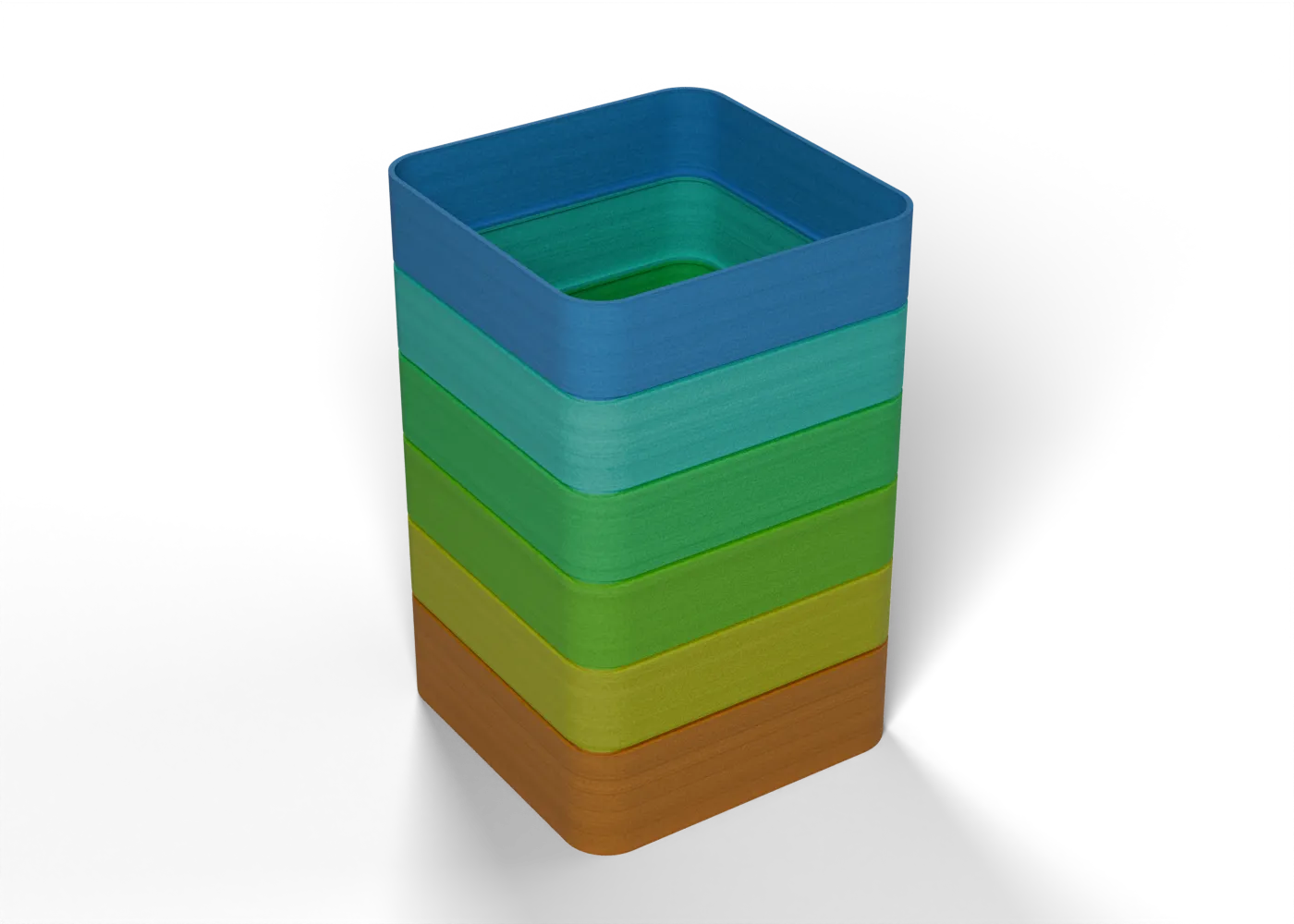 6 bands
 - LW-PLA speed sensitivityThe same coupon at 15, 25 and 35 mm/s: does slower foam more, and by how much?
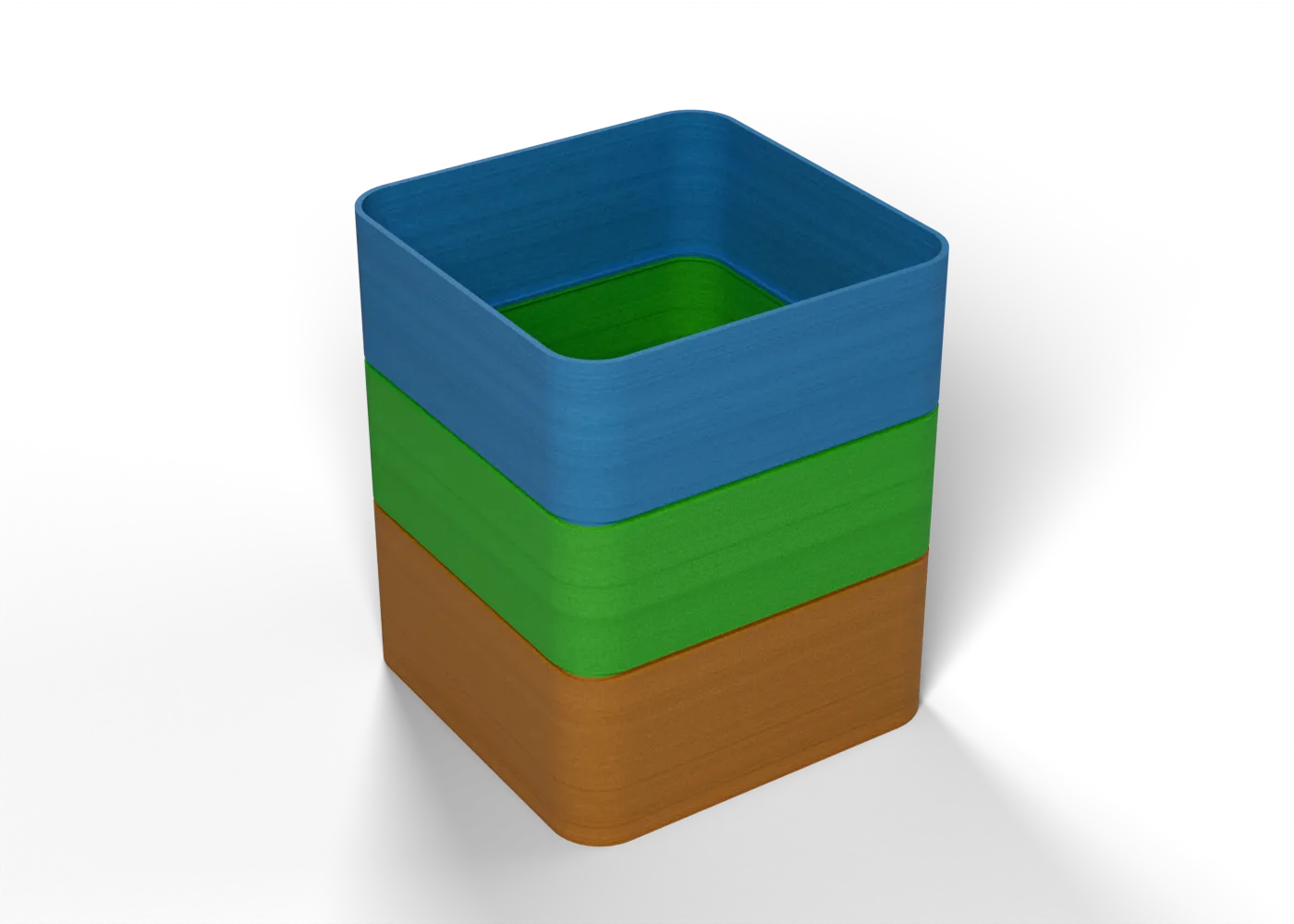 3 bands
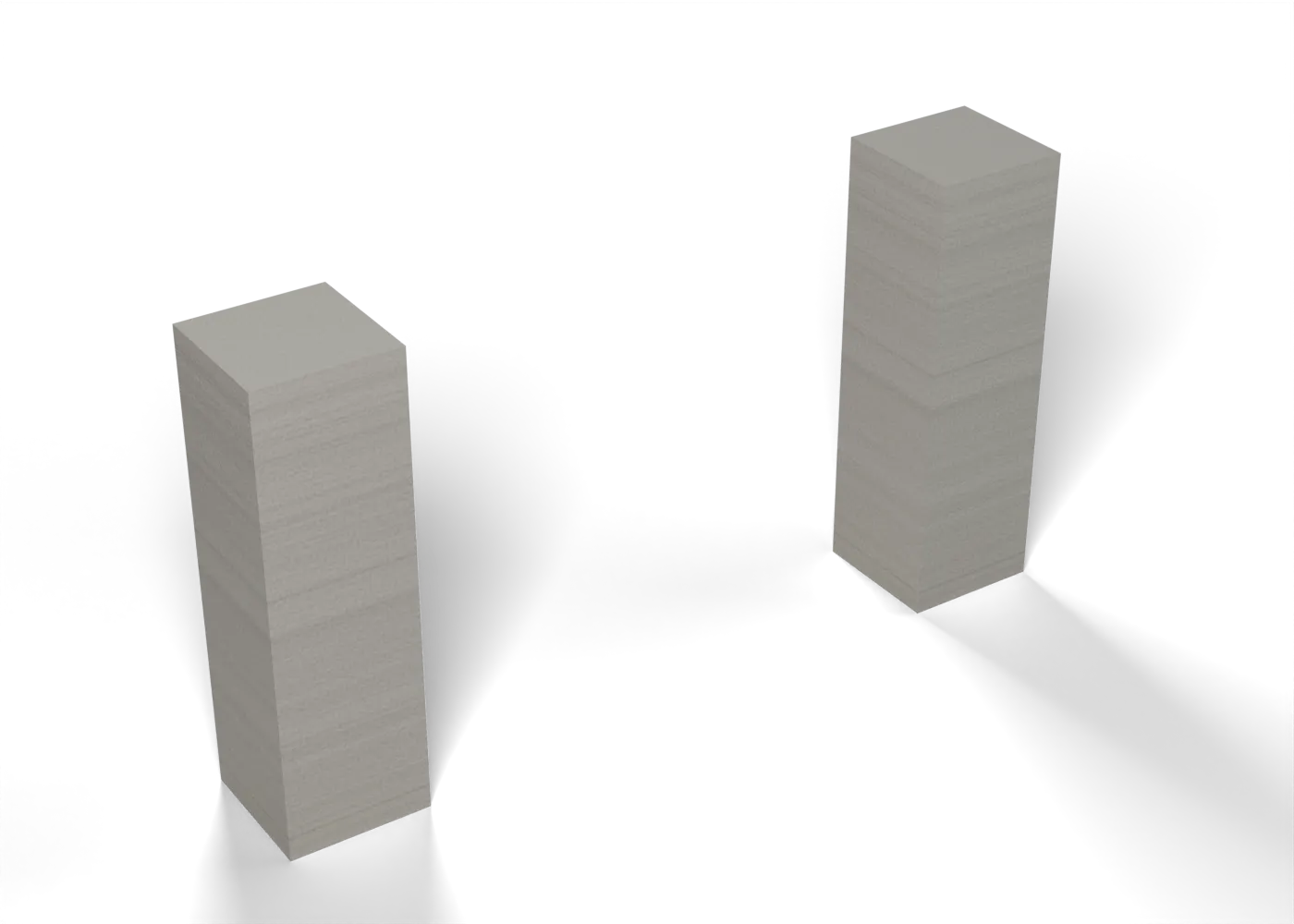
 - LW-PLA travel and oozeTwo towers with avoid-crossing-perimeters on: strings across the gap show travel and wipe, not retraction.
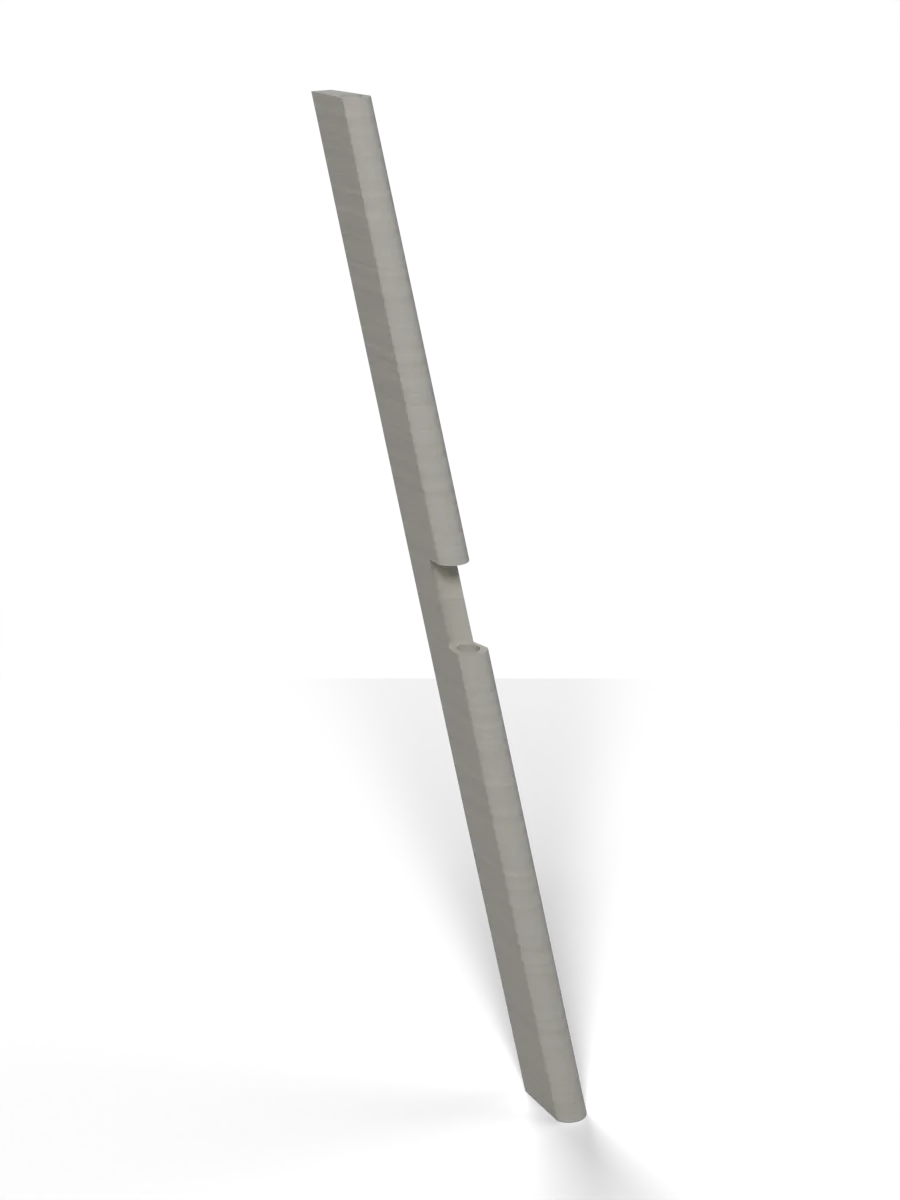
- Airfoil slice20 mm of the real Wing Outer: one perimeter, a closed trailing edge, infill bonded, the bore on the tube.
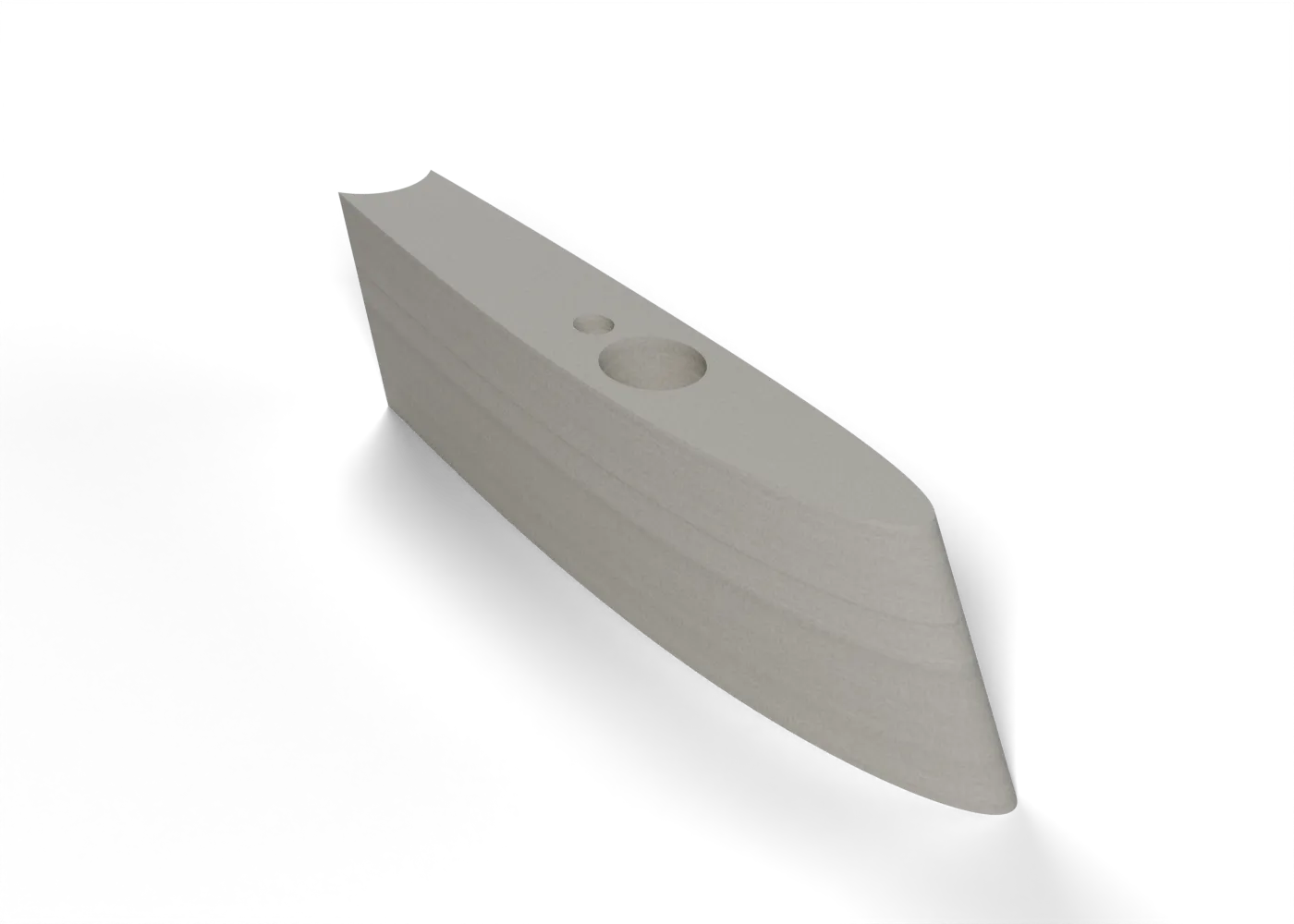
- Elevon strip, full heightThe elevon's leading edge with its spar bore, full height on the Kobra Max: the riskiest print, for a few grams.
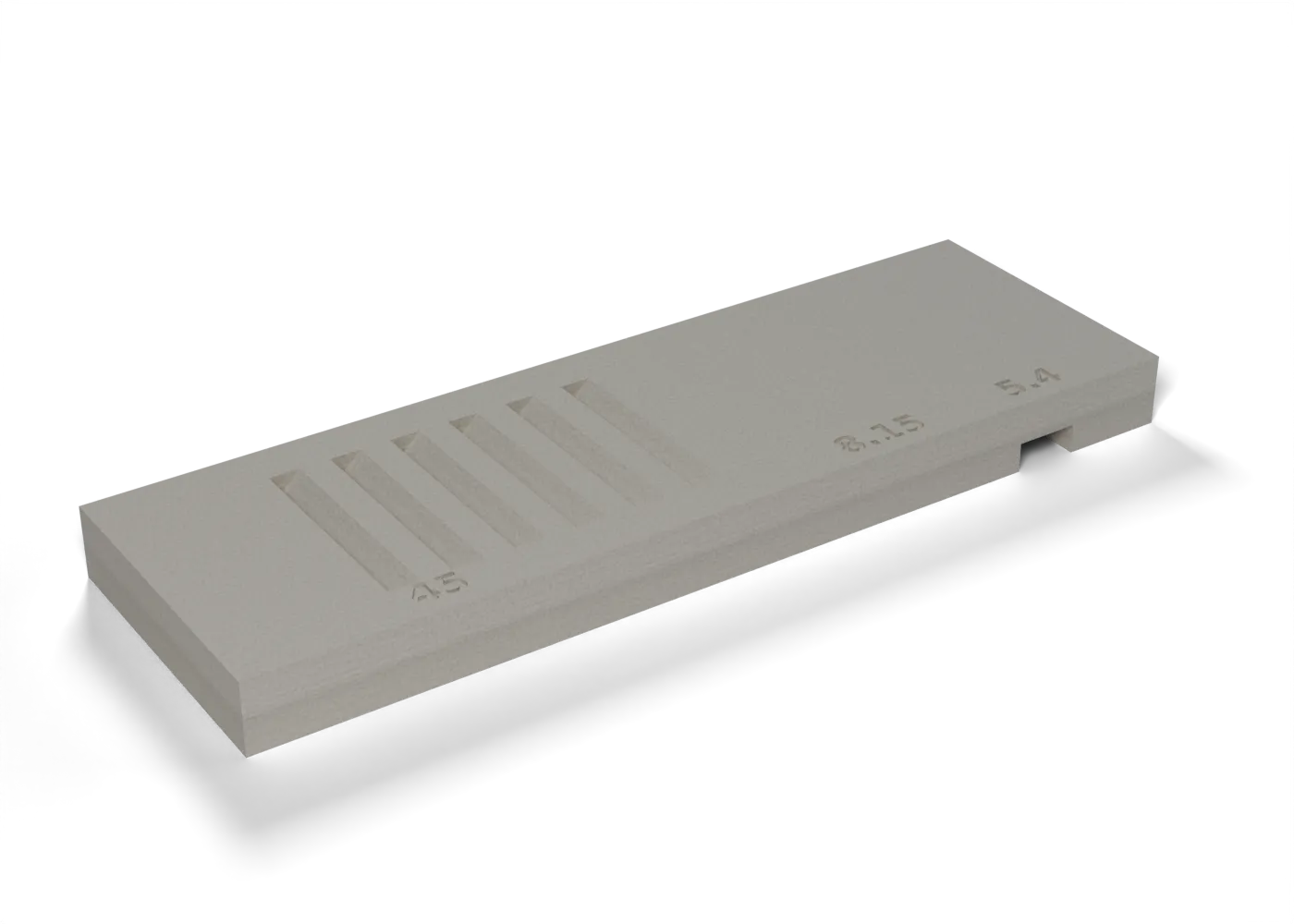
- LW-PLA overhang and bridgeThe 45° louvre slots, the 8.15 mm pocket ceiling and the 5.4 mm bridge, at 100 % fan and at 30 %.
- print jobMass gate: the wing tipThe Wing Tip A test print within 5 % of its sliced mass, before any large LW-PLA part.
PETG: strength and fits
The stock PETG settings are tuned for looks, not load paths.
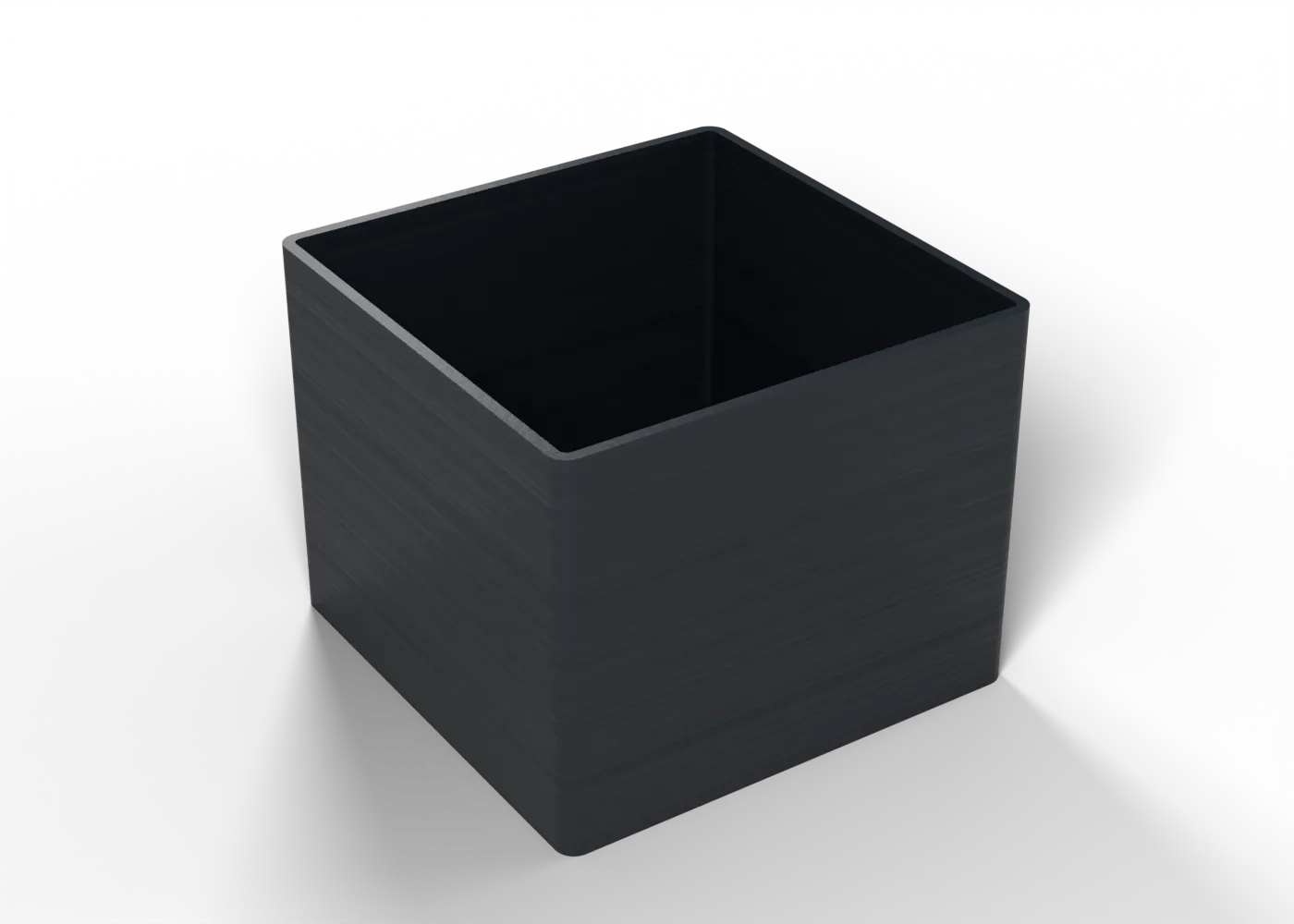
- PETG flowA single-wall cube: its wall should measure one extrusion width.
- PETG pressure advanceSix 6 mm bands of pressure advance, 0 to 0.08: pick the sharpest corners. The tower is small, so its walls print at about 26 mm/s.
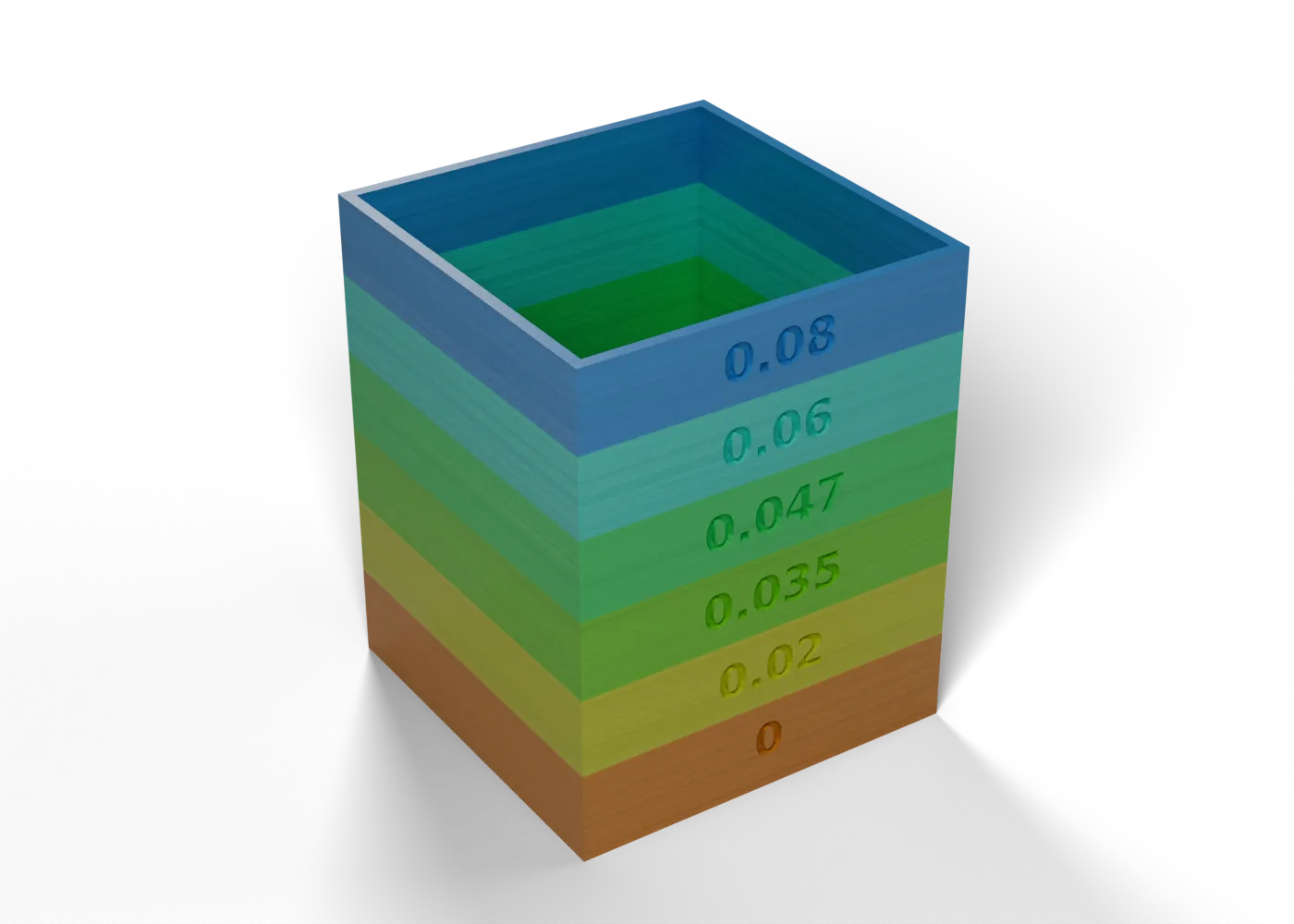 6 bands
 - PETG temperature tower255 down to 225 °C in 8 mm bands: bridge, 45° overhang and strings at each.
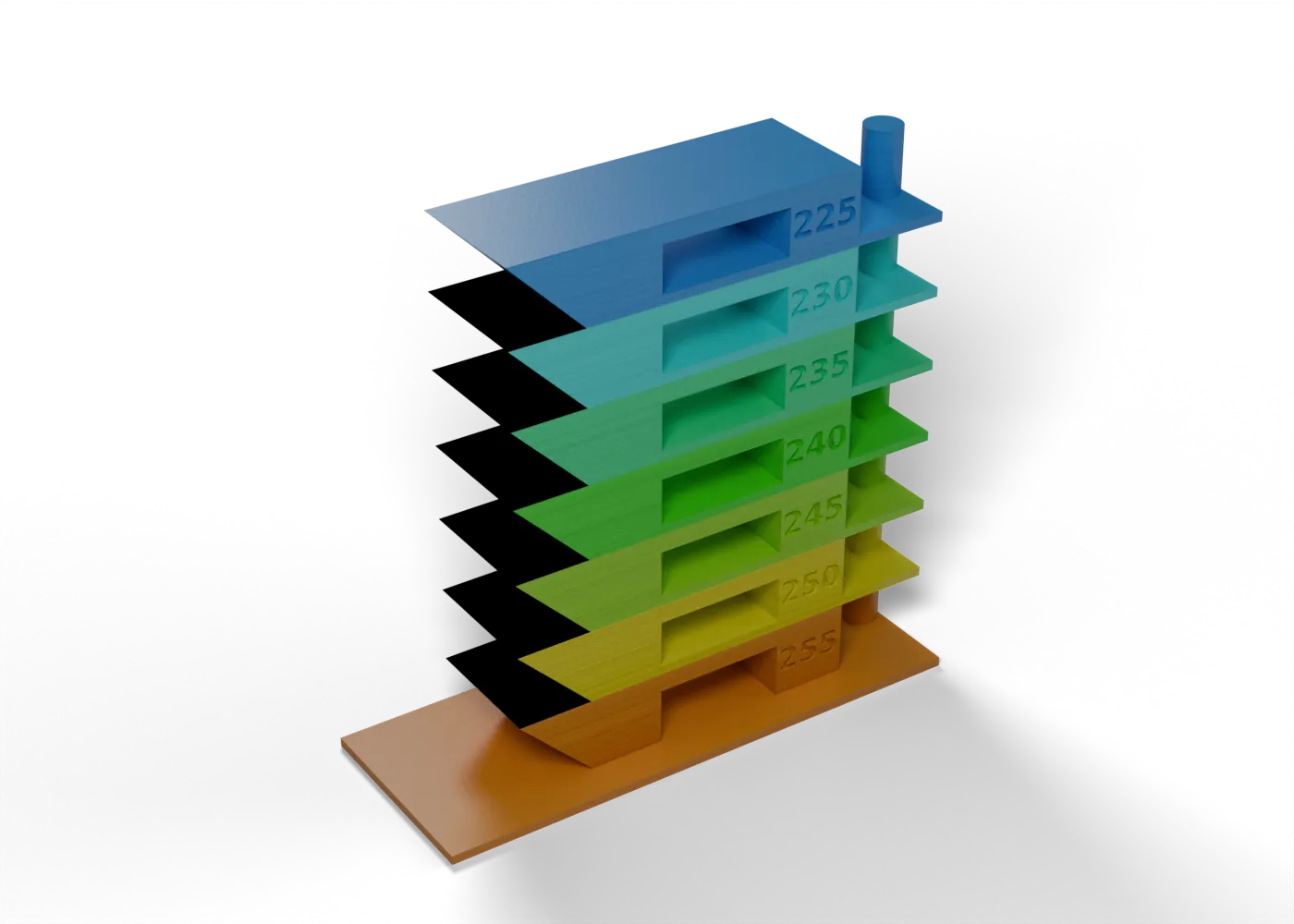 7 bands
 - PETG layer adhesionUpright bars at stock settings and with walls at 40 mm/s and 30 % fan, broken between layers.
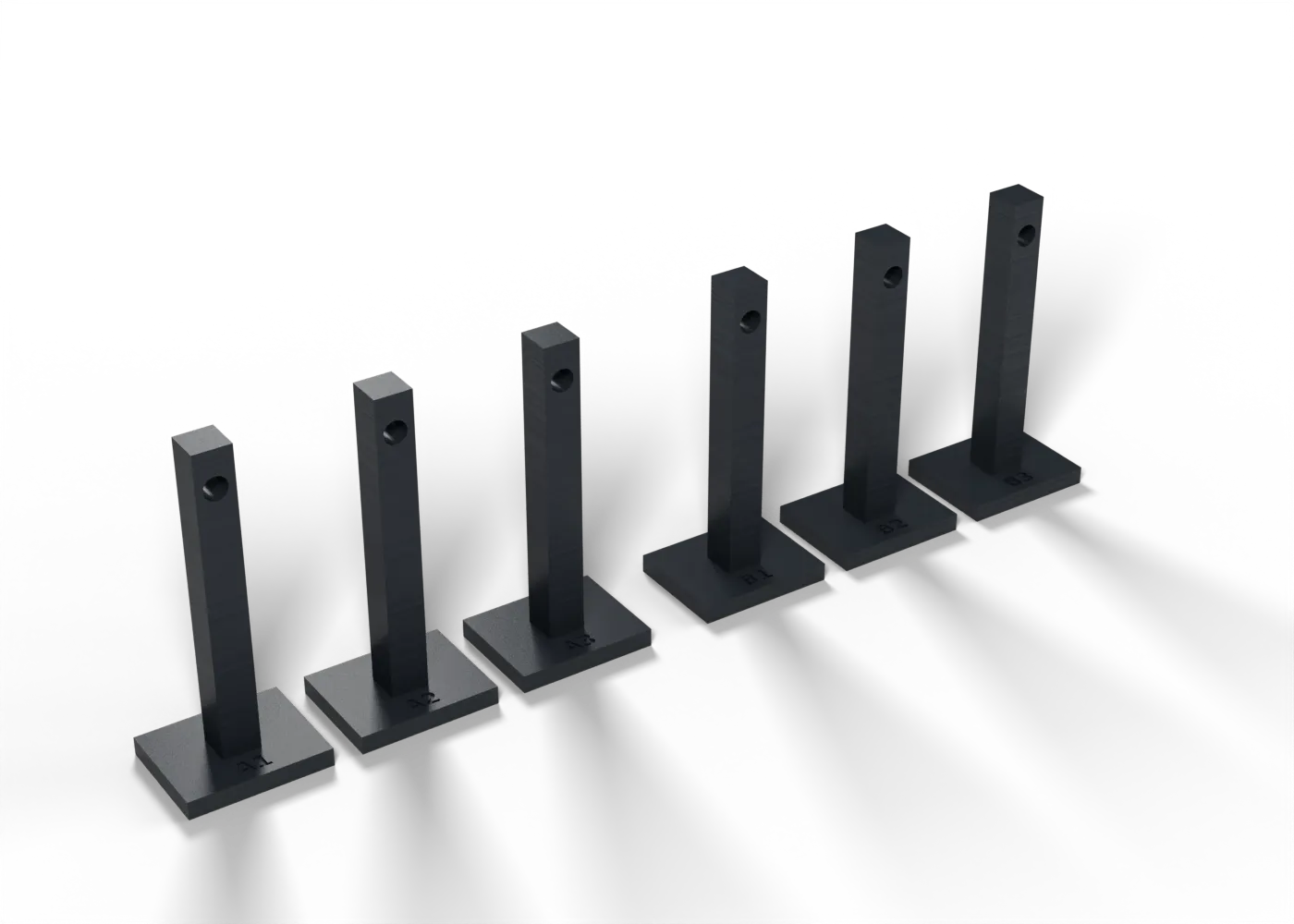
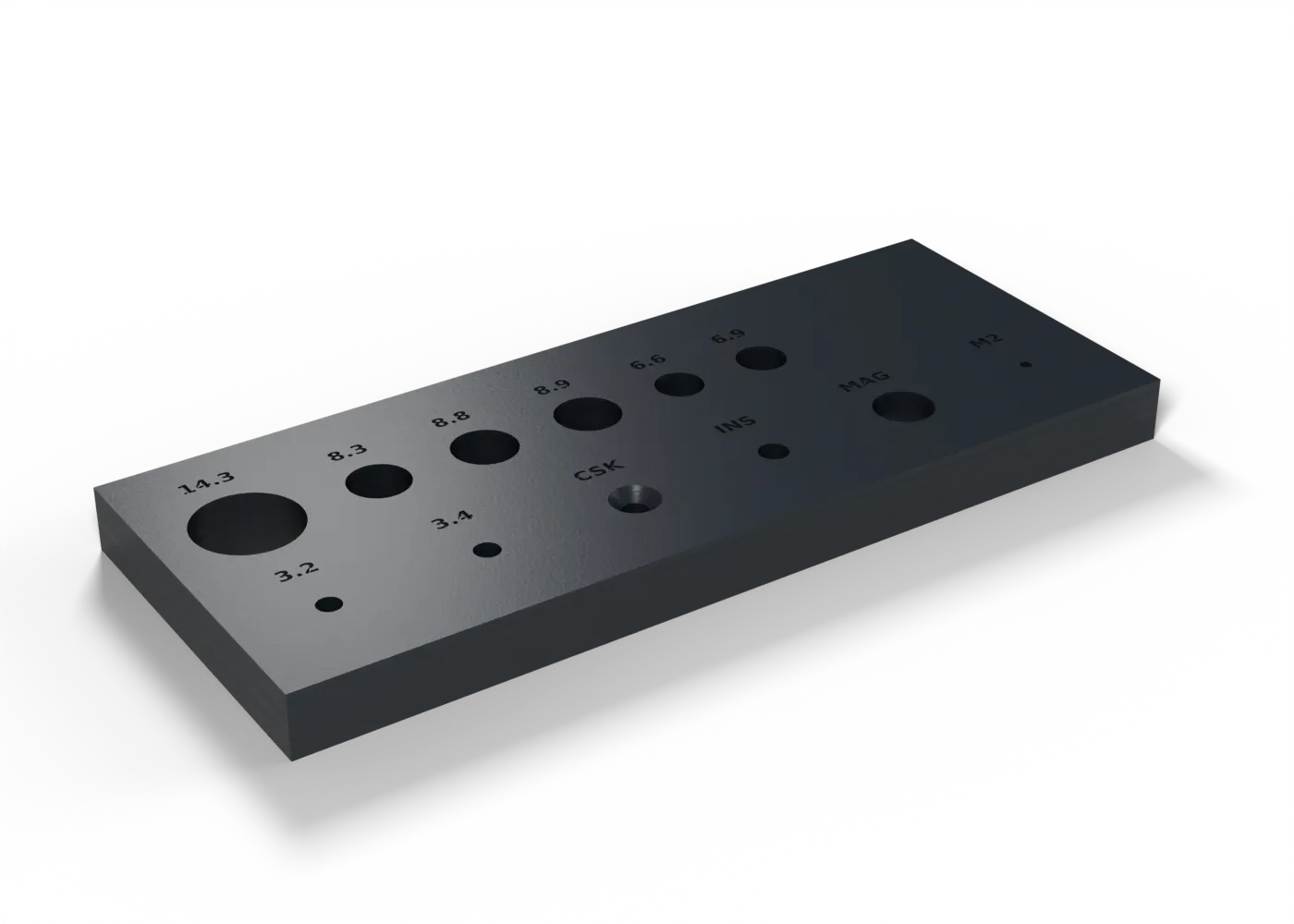
- Fit gaugeSpar bores, M3 clearance and countersink, insert hole, magnet pocket and M2 pilot on one plate.
- Snap fatigueOne snap arm and its keeper: click it 50 times, then look for whitening and cracks at the root.
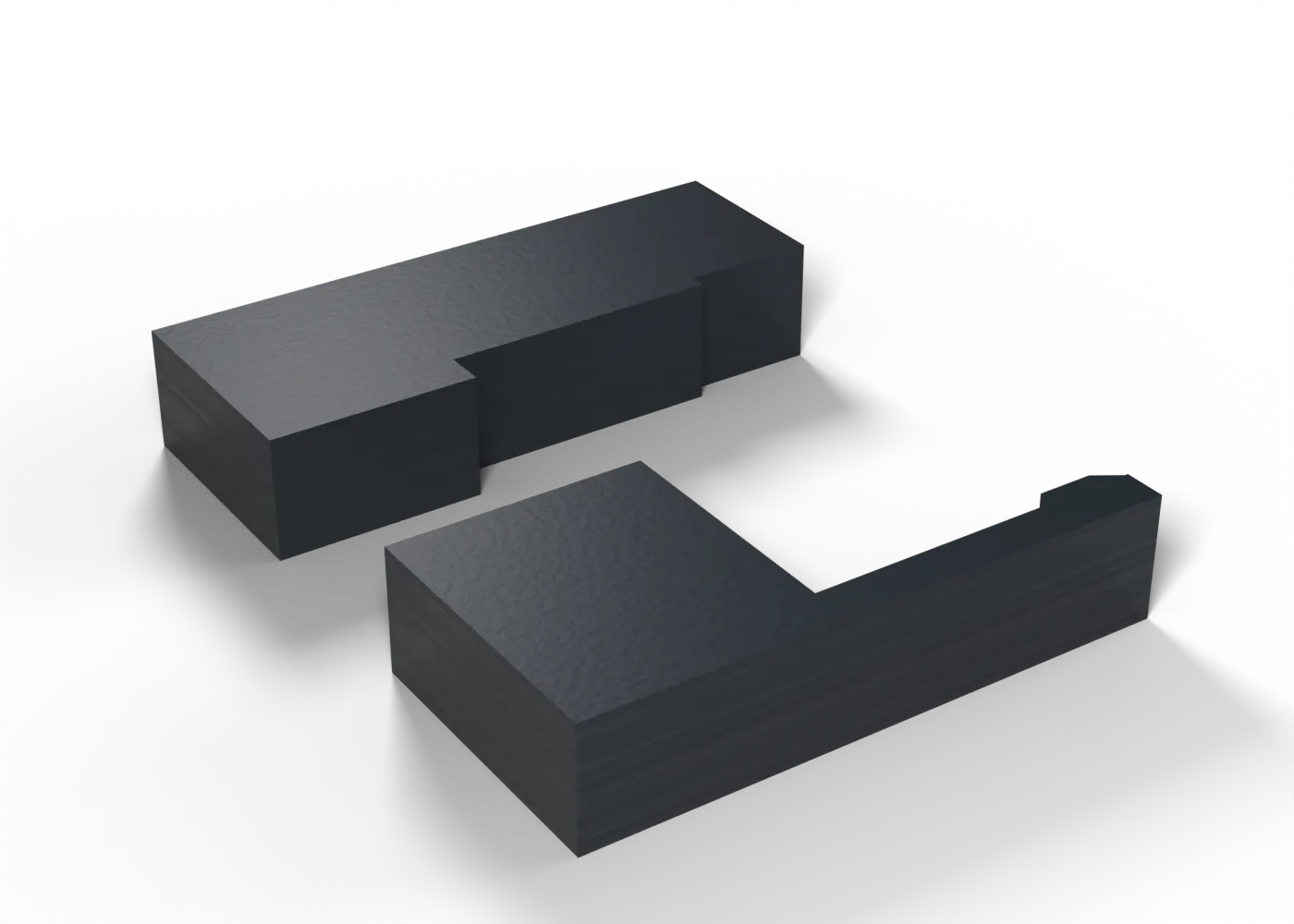
- PETG-to-LW bond15 mm lap joints, one in CA and one in epoxy, pulled to failure. The Dowel Coupon tests fit, not bond.
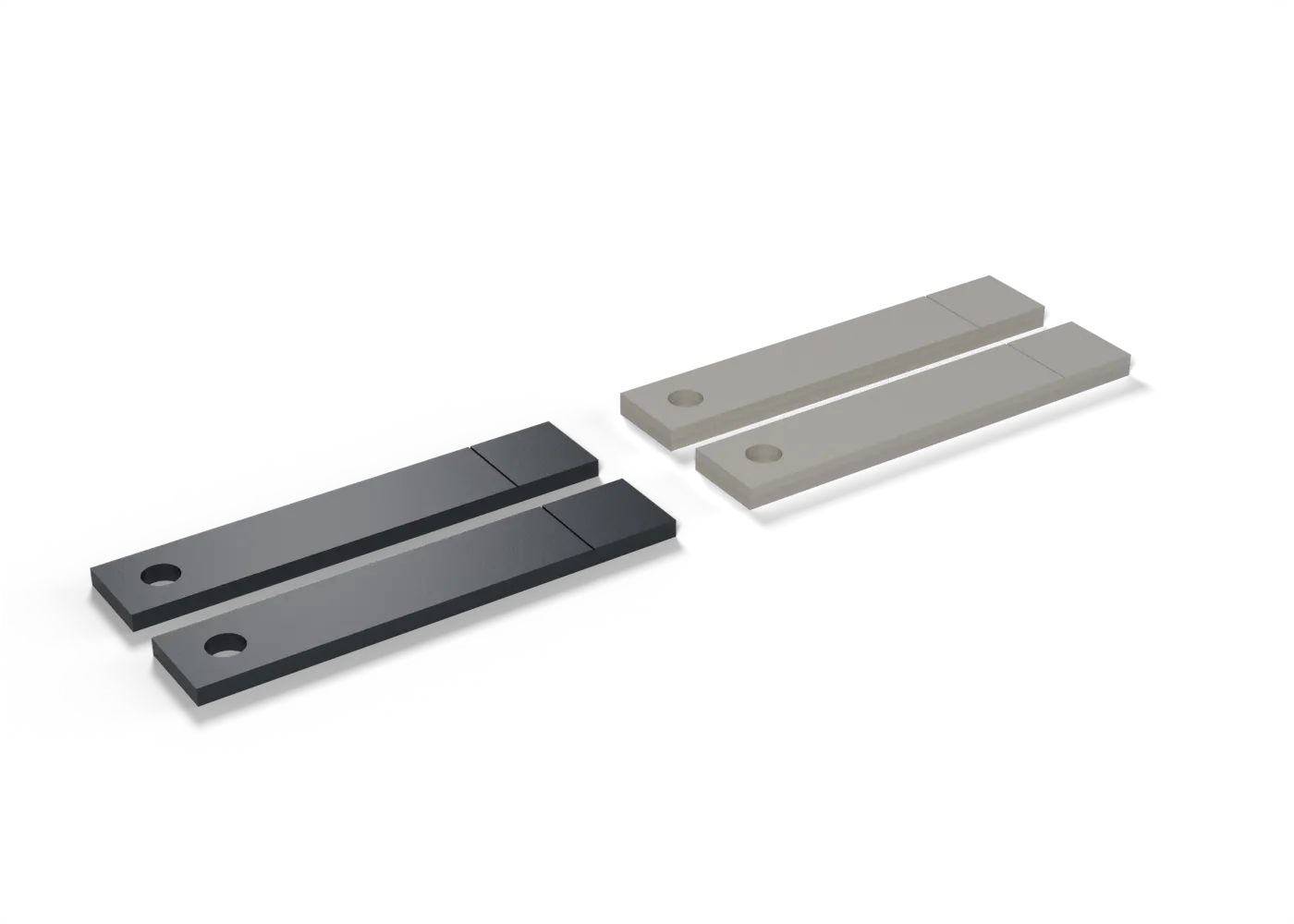
- Wing clipOur wing clip on a base with 1.0, 1.2 and 1.4 mm catches: does it snap, hold 25 N and release by fingernail?
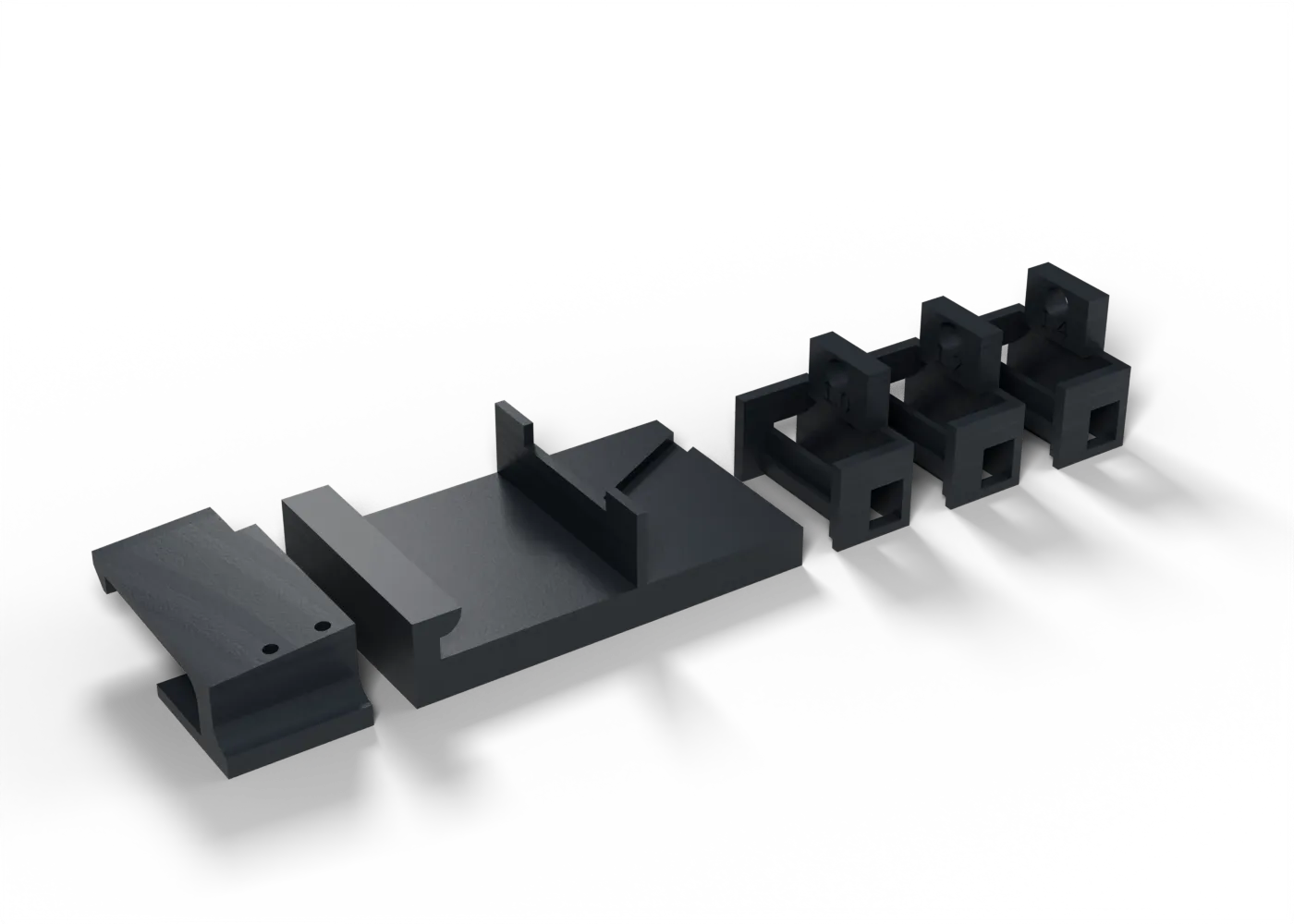
- Heat creepA loaded cantilever at 60 °C: the PETG result is the yardstick for GF-PLA.
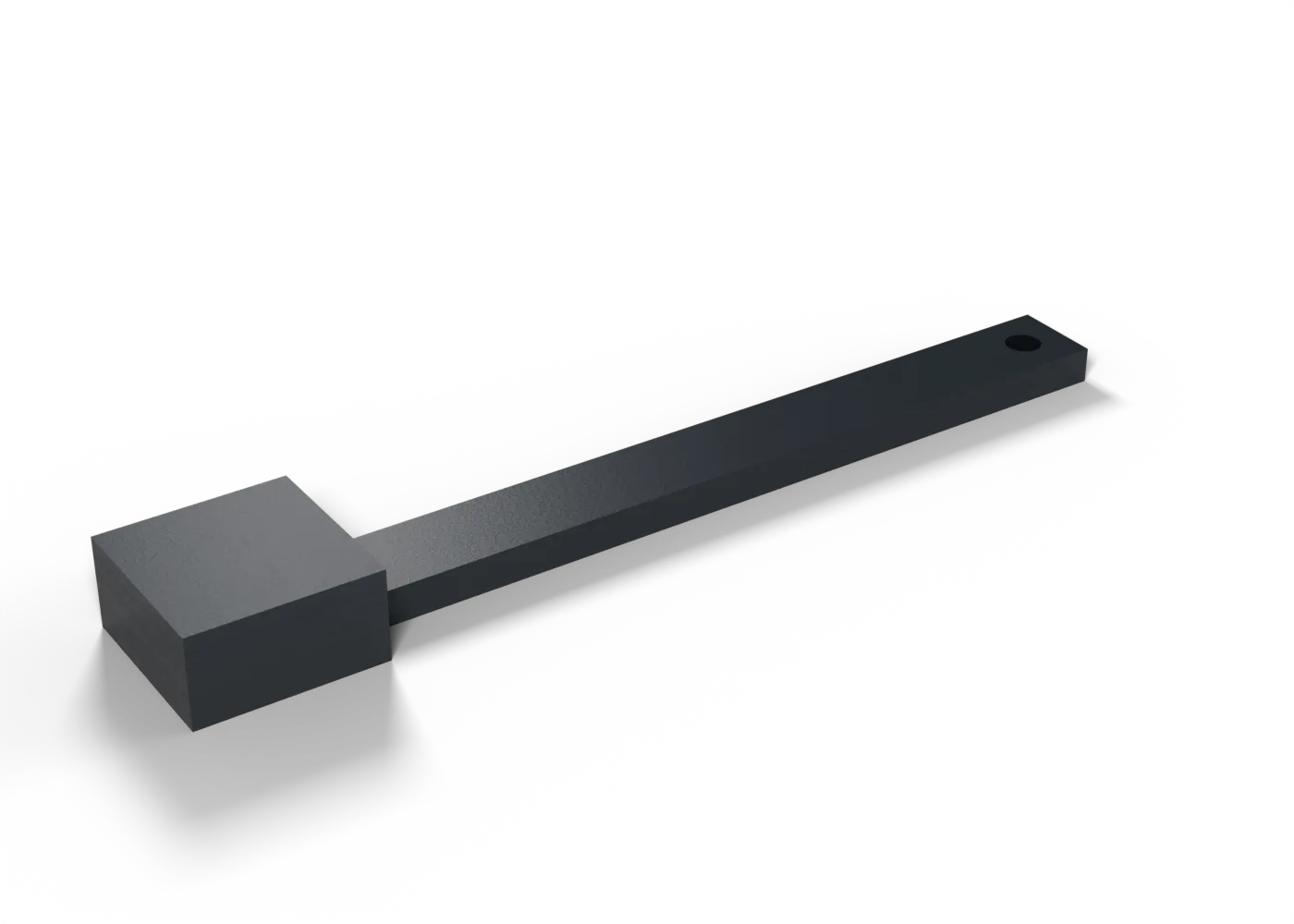
GF-PLA: check before adopting
Nozzle first. Then flow, Z strength, fits and heat.
Tuning log
Section titled “Tuning log”Each entry is one setting or one test, in its own file in slicing/tuning/. Entries marked To test and Estimate are open: print the test, then record the result and the date in the entry, and change its status to measured or confirmed. Put photos of test prints in the entry’s images list (the files go in slicing/tuning/images/), and tables of tower results in the body of the entry. The Test print links go to the tests that measure the setting.
- To testFan on bridges near the bedPrusa Core One+, PETG
- Value
- g19 only: full_fan_speed_layer 4 (fan still off on layers 1 to 3), bridge_fan_speed 100, bridge_speed 30
- By
- th-main, from Ryan's keel B soles (job 92) and 3d-print-master's checks, 2026-10-19
What happened. On the keel B soles (bed g19, job 92) the ceilings of the brass strip recesses sagged, and the 0.5 mm recesses were too shallow for a strip and its glue line (Ryan). th-blender made the recesses 0.6 mm deep (00955e78), three whole layers.
Why they sagged. Each recess ceiling is an 8.4 mm bridge on layer 4 (Z 0.8). The PETG filament profile has
disable_fan_first_layers = 3andfull_fan_speed_layer = 5, so layer 4 prints while the fan is still ramping up: in the job 92 file those four bridge sections ran at PWM 38 and 76 (15 and 30 %), against 60 % on every higher bridge. Raisingbridge_fan_speedalone did not fix it, because the ramp scales it down (PWM 127 at most).The change, on g19 only. With
full_fan_speed_layer = 4andbridge_fan_speed = 100, the ceilings run at PWM 255 (about 90 to 97 % of their moves; short runs at PWM 76 remain, cause not found), and layers 1 to 3 still have no fan, so the soles’ grip on the sheet is as before.bridge_speed = 30gives each strand more time to set. The re-slice is 1 h 21 min, 27.34 g (file 0612e7cc).Why no supports. The profile’s supports keep a 0.2 mm gap and three interface layers, about 0.8 mm in all, so they cannot fit in a 0.6 mm recess, and a support film left on the strip’s seating face is worse than a bridge (3d-print-master).
Next. Print g19 again and look at the recess floors. If a sole lifts, look at this fan change first, since it and the deeper recess are in the same slice.
- To testExtruder stepsAll printers, Plain PLA
- Value
- Firmware value (Kobra Max: read with M503)
- By
- th-docs-site, for Ryan, 2026-10-05
100 mm commanded must move 100 mm ± 2 mm. On the Kobra Max this sets M92 E.
- To testFirst layer and meshAll printers, Plain PLA
- Value
- Live Z as set, mesh each print
- By
- th-docs-site, for Ryan, 2026-10-05
All nine squares 0.40 mm ± 0.05 mm before any other test.
- To testBridge and overhang fan (bridge_fan_speed, overhang_fan_speed_0)Prusa Core One+, LW-PLA (PLA Aero)
- Value
- 100 %, inherited from Generic PLA HF0.4 (the profile sets 30 % elsewhere)
- By
- th-docs-site, for Ryan, 2026-10-05
A trade-off, not a plain bug (th-main): full fan holds a bridge’s shape, but cooling also stops the foam that the 0.60 flow relies on to fill the bead. th-main sets the values in lw-pla-aero.ini from the result.
- To testFlow (extrusion multiplier)Prusa Core One+, LW-PLA (PLA Aero)
- Value
- 0.60 (the manual's)
- By
- th-docs-site, for Ryan, 2026-10-05
Set after the temperature: the single wall at the chosen band must equal the extrusion width, 0.45 mm.
Test print: LW-PLA expansion mapTest print: LW-PLA speed sensitivity
- To testPrinted mass against sliced massPrusa Core One+, LW-PLA (PLA Aero)
- Value
- Within ±5 %
- By
- th-docs-site, for Ryan, 2026-10-05
Weigh every part after the Winglet too. The CG envelope depends on the masses.
- To testFlow at slow layersAll printers, LW-PLA (PLA Aero)
- Value
- No correction
- By
- th-docs-site, for Ryan, 2026-10-05
Slower means more foam. If 15 mm/s is more than 10 % thicker than 35 mm/s, the layer-time slowdowns at the wing tips need a flow correction.
- To testTall single wall (the elevon)Anycubic Kobra Max, LW-PLA (PLA Aero)
- Value
- Kobra Max speeds (estimate)
- By
- th-docs-site, for Ryan, 2026-10-05
A 275 mm single-wall part standing on a bed-slinger is the riskiest print, so a strip of it prints first.
- To testNozzle temperaturePrusa Core One+, LW-PLA (PLA Aero)
- Value
- 220 °C (the manual's, for a Bambu hotend)
- By
- th-docs-site, for Ryan, 2026-10-05
Foaming depends on temperature and on time in the melt zone, so the manual’s value does not transfer exactly to the HF0.4.
- To testNozzle temperature and flowAnycubic Kobra Max, LW-PLA (PLA Aero)
- Value
- 220 °C and 0.60, as the Core One+
- By
- th-docs-site, for Ryan, 2026-10-05
The Kobra Max’s hotend and Bowden path differ again, so it gets its own map.
Test print: LW-PLA expansion mapTest print: LW-PLA speed sensitivity
- To testTravel and wipeAll printers, LW-PLA (PLA Aero)
- Value
- Avoid crossing perimeters on, wipe off
- By
- th-docs-site, for Ryan, 2026-10-05
Retraction barely works on foaming filament, so this tunes travel and wipe, most of all on the Bowden Kobra Max.
- To testWing skin and spar borePrusa Core One+, LW-PLA (PLA Aero)
- Value
- As sliced
- By
- th-docs-site, for Ryan, 2026-10-05
One perimeter, a closed trailing edge, infill bonded to the skin, and the real 8 mm tube through the bore.
- To testHole and bore fitsPrusa Core One+, PETG
- Value
- As drawn
- By
- th-docs-site, for Ryan, 2026-10-05
Spar bores, M3 clearance and countersink, insert hole, magnet pocket and M2 pilot, then a snap arm through 50 cycles.
- To testFlow and pressure advancePrusa Core One+, PETG
- Value
- 1.00 and K 0.047 (Prusa's)
- By
- th-docs-site, for Ryan, 2026-10-05
Over-extruded PETG is what makes bores tight.
- To testOuter wall speed and fan for load partsPrusa Core One+, PETG
- Value
- 200 mm/s outer walls, fan 30 to 60 % (stock, tuned for looks)
- By
- th-docs-site, for Ryan, 2026-10-05
The spar mounts and motor mounts load their layers. If B is clearly stronger, those beds get B’s settings.
- To testGlue for PETG-to-LW jointsPrusa Core One+, PETG
- Value
- CA or epoxy: not chosen
- By
- th-docs-site, for Ryan, 2026-10-05
The glue pin coupon tests the fit, not the bond.
- To testXY squareness and scaleAll printers, Plain PLA
- Value
- Not measured
- By
- th-docs-site, for Ryan, 2026-10-05
The wing span is 1,484 mm across spar joints, so 0.1° of skew moves a tip about 1.3 mm.
- To testZ steps at 200 mmAll printers, Plain PLA
- Value
- Not measured
- By
- th-docs-site, for Ryan, 2026-10-05
Ledges at 50, 100 and 150 mm and the top at 200 mm, each within 0.2 mm.
- To testDowel holes (1.75 mm filament dowels)Prusa Core One+, LW-PLA (PLA Aero)
- Value
- Dowel Coupon
- By
- th-blender
Print the coupon and push a 1.75 mm filament dowel into each hole before the airframe’s glued joints. Print job: Dowel Coupon.
- To testGear B root zone (4 perimeters, Z -67 to the seam at -52)Prusa Core One+, LW-PLA (PLA Aero)
- Value
- Gear B root coupon
- By
- th-main
th-aeronautics’ proof test of keel B’s root before any gear B print: the real root section on a PETG mount stub, loaded on a 109 mm arm with 6.1 kg across the blade and 23.5 kg along the chord (optional: 35 kg straight down). It passes if a 0.05 mm feeler does not enter the seam under load and the load block returns within 0.5 mm of its mark one minute after unloading; a crack at the bond line is a fail, and a crack elsewhere in the LW shell is recorded, not a fail. Procedure in the print plan. Print jobs: Gear B Coupon Blade and Stub and Load Block.
- To testAvoid crossing perimeters on multi-part bedsPrusa Core One+, PETG
- Value
- Off (avoid_crossing_perimeters = 0), to compare with on
- By
- th-main, from 3d-print-master's report on bed g21 (2026-10-19)
Why. Ryan saw more strings on bed g21 (nine parts) than on the test prints. With
avoid_crossing_perimetersoff, a travel move goes straight over the parts between its start and its end, so ooze can land on a neighbouring part. The ooze towers cannot show this, because they have nothing between them (see PETG retraction).Cost, from the slicer (ESTIMATE). Two slices of g21’s nine parts without the Avionics Plate, the same in every other setting, read back from the files:
avoid_crossing_perimetersRetractions Travel moves Travel length Travels over 20 mm Estimated time 0 (the profile) 8,866 15,399 181.5 m 2,300 2 h 15 min 36 s 1 8,383 38,124 191.9 m 2,146 2 h 15 min 28 s At 350 mm/s travel, the detours add about 10 m of travel and no print time. Most long moves between parts stay, so the setting changes their route but does not remove them. Only
complete_objectsremoves them, and it needs a gantry clearance check.Test. Print the same multi-part PETG plate with the setting off and on, and compare the strings on the neighbouring parts. Change
petg.inionly from that result. - EstimateRetractionAnycubic Kobra Max
- Value
- 6 mm at 25 mm/s
- Test
- Retraction tower on the real printer
- By
- th-main, 2026-10-03
Bowden extruder. A starting value until the tower is printed.
- EstimateSpeeds and accelerationsAnycubic Kobra Max
- Value
- kobra-max-print.ini
- Test
- First prints on the real printer
- By
- th-main, 2026-10-03
Starting values for a bed-slinger with a Bowden extruder. The LW-PLA override’s 35 mm/s still wins.
- MeasuredBrimPrusa Core One+, PETG
- Value
- 5 mm, outer only, on every PETG plate (petg.ini), except g12 and the VTOL Spar Jig
- Result
- The same four g21 parts at 240 °C on the Core One+, about two hours apart, with only the brim changed: without a brim (job 90) both Deck Pads and both Rim Frames came off the sheet; with a 5 mm outer brim (job 91) all four held. Ryan: "the brim helped on the small parts". Bed g19 (job 92), four soles with the brim and no supports at all, kept all four: there the brim alone held them.
- By
- Ryan, on bed g21 (jobs 90 and 91, via 3d-print-master); profile th-main, 2026-10-19
Which parts lift. Bed contact, not the part’s outline, is what counts. The Rim Frames’ outline is 1,468 mm², but they touch the bed on 344 mm² and stand 49.8 mm tall. The Deck Pads touch on 150 mm². On the same bed, a Lucid Caps Cradle on 121 mm² stayed down, so there is no clean area limit. That is why the brim goes on every PETG plate and not on the parts under a chosen area.
Exceptions. g12 (the plates and fences) has no brim: every part on it lies flat, at most 11 mm tall on 1,050 to 2,050 mm² of contact, and with the brim’s gap its eight parts do not fit on one plate. The VTOL Spar Jig printed well without a brim (job 76), and its diagonal layout does not fit the brim’s gap.
Plate gap.
slice_all.pykeeps 11 mm between parts on a plate with the profile’s brim (two 5 mm brims and a 1 mm parting line), so the brims of neighbouring parts do not join. Plates that set their own brim keep their own gap.Two causes, perhaps. Ryan saw the Deck Pads go when “something got stuck under nozzle”: a knock, not a slow lift. A brim resists both, but a knock does not sort by contact area, which can explain why no area limit separates the g21 losses (3d-print-master).
Open. A Rim Frame failure through supports that do not key to the sheet is not ruled out: the brim holds the part down in both cases. If a part lifts on a plate that has the brim, look at the support roots.
- MeasuredRetraction lengthPrusa Core One+, PETG
- Value
- 0.8 mm at 45 mm/s, 20 % before wipe, wipe on (Prusa's Generic PETG HF0.4 values)
- Result
- Ooze towers, two towers 60 mm apart, ELEGOO Rapid PETG: 0 mm retraction at 240 °C strings badly across the gap, 0.4 mm at 240 °C does not string, and 0.8 mm at 250 °C does not string. The profile keeps 0.8 mm.
- By
- 3d-print-master, on Ryan's Core One+; profile th-main, 2026-10-18
What the test shows. On a plate with two parts and one gap, 0.8 mm is sufficient and 0 mm is not. The test does not show how a bed with many parts behaves: the two towers have nothing between them, so a travel move never passes over another part. See PETG travel on multi-part beds.
250 °C. The 250 °C tower did not string at 0.8 mm. Before this test, the only evidence that hot PETG strings was the covers plate at 255 °C. The profile stays at 240 °C, which Ryan chose from the stiffened temperature tower; that tower also judged bridges and overhangs, not only strings.
- MeasuredNozzle temperaturePrusa Core One+, PETG
- Value
- 240 °C, first layer too
- Result
- Stiffened tower, ELEGOO Rapid PETG (Ryan, 2026-10-18): the tower stayed rigid to the top, the colder bands (235, 230, 225) were acceptable, and 240 °C looked best overall: "I like 240." The profile (petg.ini) is 240 °C, first layer too, in place of Prusa's 250 °C.
- By
- Ryan, on the stiffened tower (job 82, via 3d-print-master); profile th-main, 2026-10-18
What the tests showed. The first tower (2026-10-17) swayed from the 235 band up, because its 4 mm stringing pin stood 56 mm on its own, so its cold bands could not be read. The stiffened tower (4c5efb27) ties the pin to the pillars at every band and is 14 mm deep. It printed as job 82 (file b5907197), stayed rigid, and every band could be read. On it, 255 °C strings and 240 °C looked best.
Independent check of 255 °C. A covers plate printed at 255 °C strung. The same plate at 245 °C, with the same bed and retraction, did not (3d-print-master, 2026-10-18).
For the value. ELEGOO gives 240 °C as the minimum for Rapid PETG, so 240 °C is in the vendor’s range. It is 10 °C under Prusa’s Generic PETG profile.
Bridges near the bed have their own entry: PETG bridges near the bed, where the fan ramp of the first layers, not
bridge_fan_speed, set the cooling.Open: bridge cooling. During the first tower’s 255 band, the bridge layers did not flow together at Z 9. The profile’s
bridge_fan_speedis 60 %, the same asmax_fan_speed, and the fan often starts a bridge at 32 to 43 % and reaches 60 % part way across (3d-print-master, from the G-code). Check the bridges at 240 °C before changing it. If they are still weak, letbridge_fan_speedexceedmax_fan_speedfor PETG.Small parts on the bed at 240 °C. On bed g21 (job 90, 2026-10-19), the two Deck Pads and the two Rim Frames came off the sheet. Hotter plastic holds better on the first layer, so the change from 250 °C to 240 °C can be part of the cause; the stiffened tower had no small-footprint part, so it could not show this. The same four with a 5 mm brim held (job 91), and the brim is now in
petg.ini: see PETG brim. - ConfirmedNozzlePrusa Core One+
- Value
- HF0.4
- By
- Ryan, 2026-09-28
Confirmed by Ryan. The presets in slicing/config/ are the Core One HF0.4 set.
- Vendor valueNozzle and GF-PLAPrusa Core One+, GF-PLA
- Value
- E3D ObXiDian 0.4 standard flow; Polymaker HT-PLA-GF and Siraya Tech Fibreheart ABS-GF profiles
- By
- th-main, for Ryan, 2026-10-06
The nozzle is answered: an E3D ObXiDian 0.4 standard-flow nozzle, hardened, chosen by Ryan on 2026-10-06 for glass-filled filament. It is not the HF0.4, so the two GF filaments slice on the standard-flow Core One stack (
printer-coreone-sf04.ini,print-020-balanced-sf04.ini, flattened from PrusaSlicer 2.9.6’s “Prusa CORE One 0.4 nozzle” and “0.20mm BALANCED @COREONE 0.4”; PrusaSlicer has no ObXiDian preset).- Polymaker HT-PLA-GF (
ht-pla-gf.iniover Generic PLA): 210 to 230 °C, bed 25 to 60 °C, fan on, 1.337 g/cm³, from Polymaker’s data sheet v1.1 (SpoolScout, filament2print). Anneal at 80 to 100 °C for 30 minutes for heat resistance. - Siraya Tech Fibreheart ABS-GF (
abs-gf.iniover Generic ABS): 250 to 270 °C, bed 100 to 110 °C, enclosure about 50 °C, fan 0 to 30 %, 30 to 120 mm/s, 1.08 g/cm³, dry at 65 °C for 4 to 6 hours (Siraya Tech user guide). Its 10.8 mm³/s volumetric limit is an ESTIMATE from the 120 mm/s maximum.
Still to do: flow by weight, Z strength against PETG, fits, and a loaded coupon at 60 °C. Keep GF parts off the pusher mount and anything near the ESCs or motors.
Test print: GF-PLA: check before adoptingTest print: Heat creep
- Vendor valueLW-PLA (PLA Aero) profilePrusa Core One+, LW-PLA (PLA Aero)
- Value
- 0.60 flow, 220 °C, pressure advance off, one perimeter, 4 % cubic
- By
- Nomadium manual, 2026-09-25
The manual’s validated profile for foaming lightweight PLA, layered on Generic PLA. Vertical-shell thickening is off, so PrusaSlicer adds no perimeters on slopes.
Comments
Comment on the whole page here, or on one section or step with the button beside it.