Snap fatigue
Test prints / PETG: strength and fits
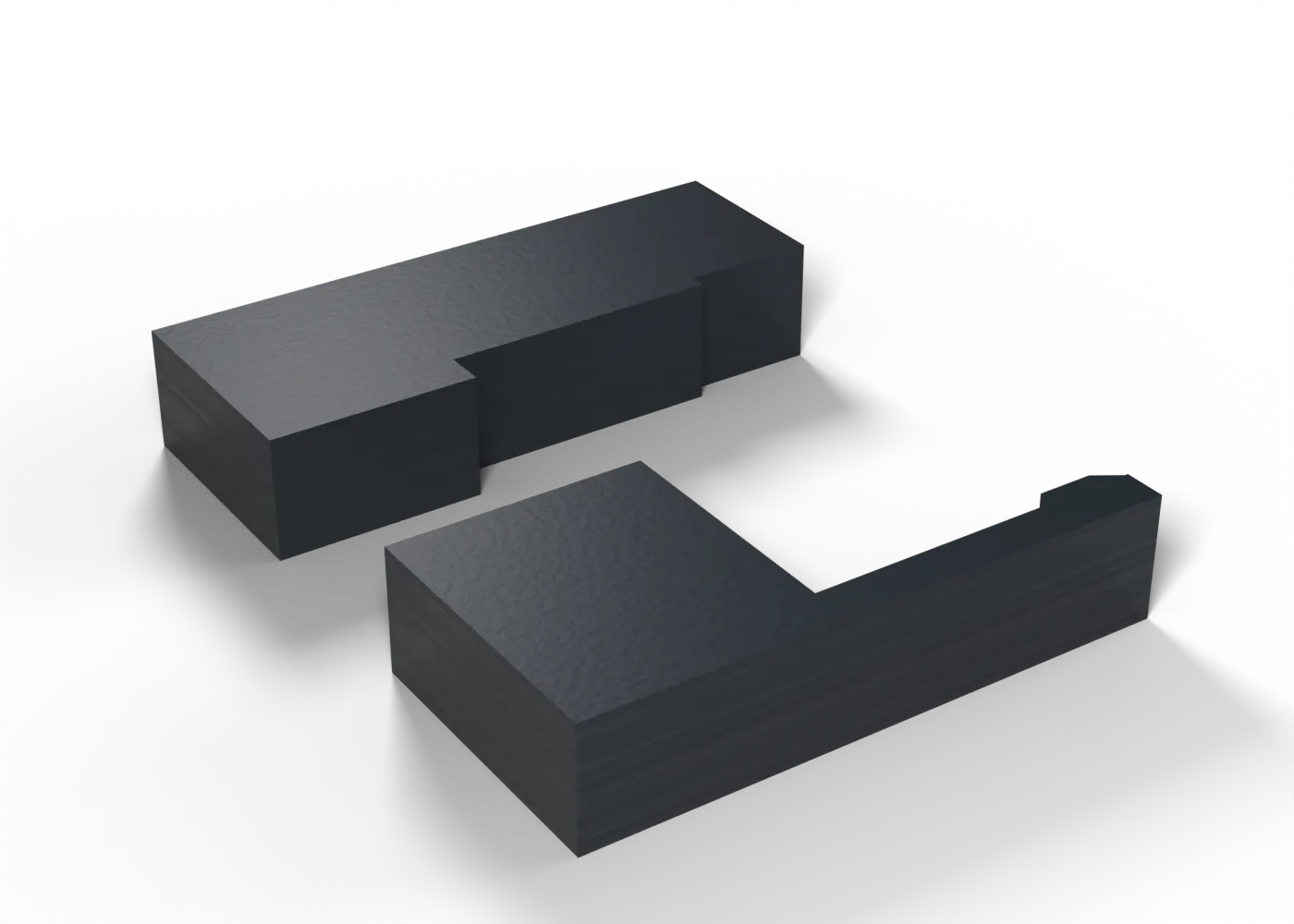
One snap arm and its keeper: click it 50 times, then look for whitening and cracks at the root.
Toolpaths
Every extrusion move in the G-code, layer by layer. Drag the layer slider, scrub through the top layer, or play the print.
Toolpaths load when you open this view.
Read from the G-code that the printer gets. The clock adds each move at its programmed speed, without acceleration or travel, so it is shorter than the slicer's estimate.
Procedure
What it is for. The cradles hold parts with PETG snap arms. This test shows whether an arm survives repeated use. It prints flat, so the arm’s layers run along its length, as in the cradles.
Print. Print it flat.
Measure. Snap the arm into the keeper and out again 50 times. Look at the arm’s root for white marks or a crack, and check that it still holds.
Pass. No white marks, no crack, and the arm still holds the keeper.
Record. Pass or fail, and the number of cycles at the first mark or crack.
In the tuning log
- Hole and bore fitsTo test
Comments
Comment on the whole page here, or on one section or step with the button beside it.