LW-PLA speed sensitivity
Test prints / LW-PLA: the foam is the calibration
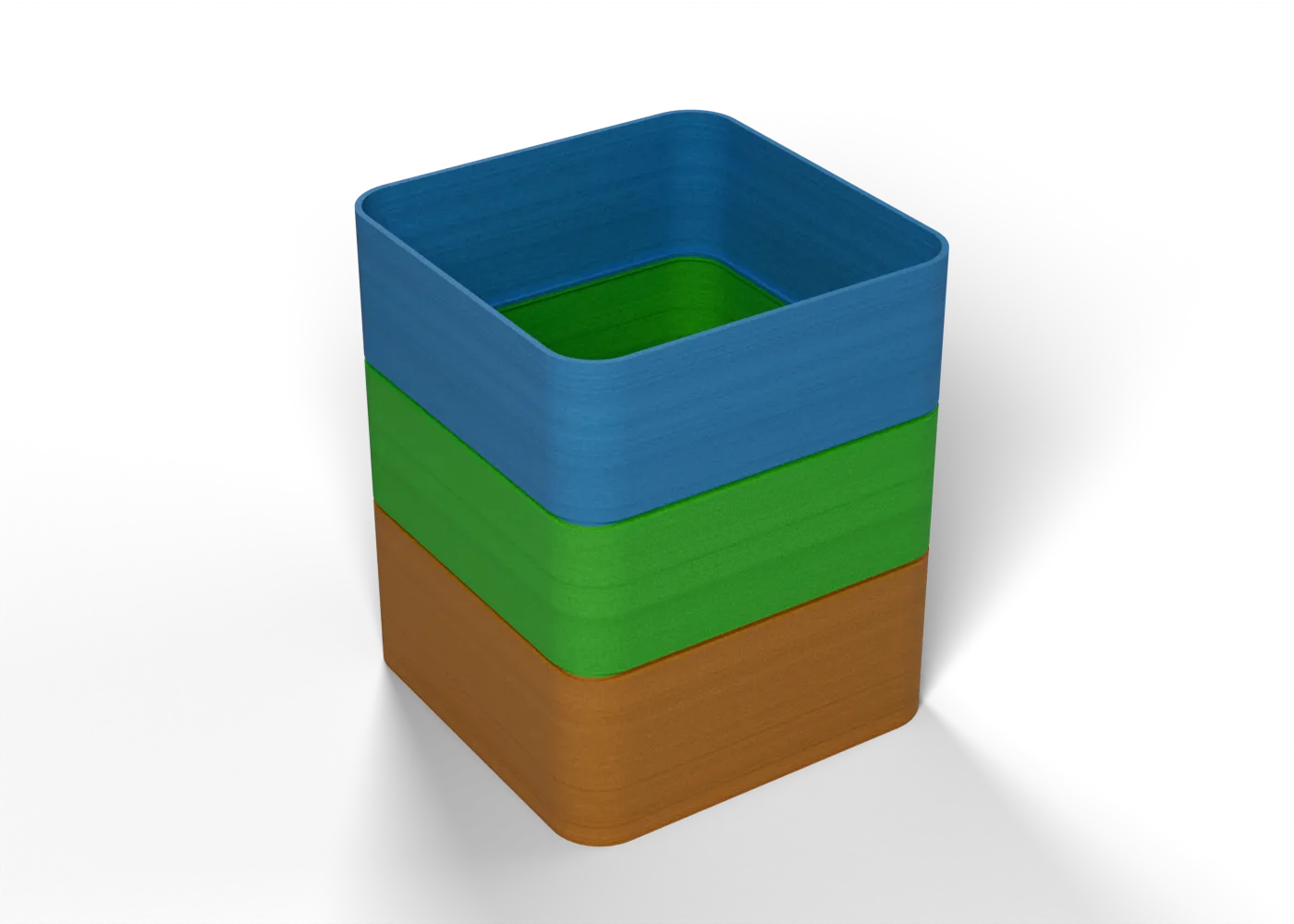
The same coupon at 15, 25 and 35 mm/s: does slower foam more, and by how much?
Toolpaths
Every extrusion move in the G-code, layer by layer. Drag the layer slider, scrub through the top layer, or play the print.
Toolpaths load when you open this view.
Read from the G-code that the printer gets. The clock adds each move at its programmed speed, without acceleration or travel, so it is shorter than the slicer's estimate.
Bands
Each band starts with one G-code command on its first layer. The slicing script reads the G-code back and stops if a command is missing or lands at the wrong height.
- 35 mm/s33–48 mm
M220 S100 - 25 mm/s18–33 mm
M220 S71 - 15 mm/s3–18 mm
M220 S43
Base 0–3 mm at the first band's value
Settings
On top of the stack that the print jobs load. The printer tuning page shows that stack.
| Printer | File | Changes |
|---|---|---|
| Prusa Core One+ | lw-speed (core-one-plus).bgcode | spiral_vase 1support_material 0support_material_auto 0perimeters 1top_solid_layers 0fill_density 0%bottom_solid_layers 3slowdown_below_layer_time 0enable_dynamic_overhang_speeds 0thin_walls 0perimeter_speed 35external_perimeter_speed 35small_perimeter_speed 35 |
| Anycubic Kobra Max | lw-speed (kobra-max).gcode | spiral_vase 1support_material 0support_material_auto 0perimeters 1top_solid_layers 0fill_density 0%bottom_solid_layers 3slowdown_below_layer_time 0enable_dynamic_overhang_speeds 0thin_walls 0perimeter_speed 35external_perimeter_speed 35small_perimeter_speed 35 |
Procedure
What it is for. The slicer slows down on short layers, for example at the wing tips. If LW-PLA foams more when it prints slower, those areas get a thick, heavy skin. This test measures how much.
Print. Print at the temperature from the expansion map (slice with --set temperature=<°C> --set first_layer_temperature=<°C>). The bands run at 15, 25 and 35 mm/s from the bottom.
Measure. The underside lists the band speeds, bottom band first. Measure and weigh each band as for the expansion map.
Pass. The 15 mm/s band is not more than 10 % thicker than the 35 mm/s band. If it is, the slowdowns at the wing tips make the skin fat, and a slowdown by height needs a flow correction.
Record. The wall and the mass of each band.
In the tuning log
- Flow (extrusion multiplier)To test
- Flow at slow layersTo test
- Nozzle temperature and flowTo test
Comments
Comment on the whole page here, or on one section or step with the button beside it.