Multi-test
Test prints / Machine baseline
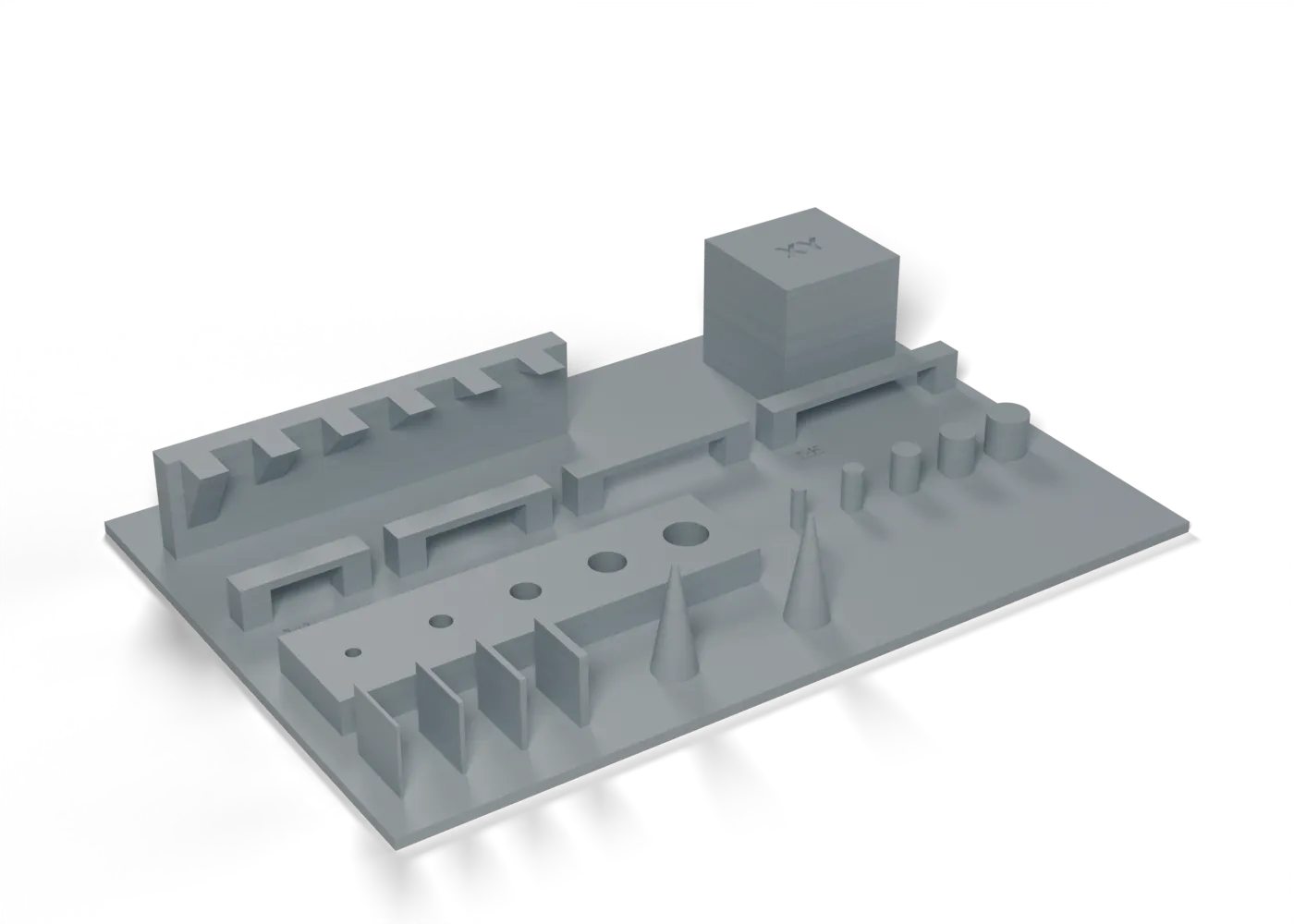
The usual all-in-one plate: overhangs, bridges, holes, pins, thin walls, stringing and XY scale.
Toolpaths
Every extrusion move in the G-code, layer by layer. Drag the layer slider, scrub through the top layer, or play the print.
Toolpaths load when you open this view.
Read from the G-code that the printer gets. The clock adds each move at its programmed speed, without acceleration or travel, so it is shorter than the slicer's estimate.
Procedure
What it is for. A general check of each printer in plain PLA, before our own tests. It shows the printer’s limits for overhangs, bridges, holes, pins and thin walls.
Print. Print in plain PLA on each printer.
Measure. Read it from left to right: the steepest overhang fin that stays clean, the longest bridge that does not sag more than 1 mm, the smallest hole and pin that come out round, the thinnest wall that prints whole, strings between the cones, and the 20 mm cube’s X and Y with calipers.
Pass. The cube’s X and Y are 20.00 ± 0.10 mm. The other features have no pass mark: they show the printer’s limits.
Record. Each reading, for each printer.
In the tuning log
- XY squareness and scaleTo test
Comments
Comment on the whole page here, or on one section or step with the button beside it.